




LED Window Display- The Complete Guide for Retail, Advertising, and Commercial Spaces
By hyderali
Oct 26, 2026Related Posts

LED Window Display- The Complete Guide for Retail, Advertising, and Commercial Spaces
October 26, 2026

Mini LED Display- What It Is, How It Works, and Where It Fits
October 26, 2026
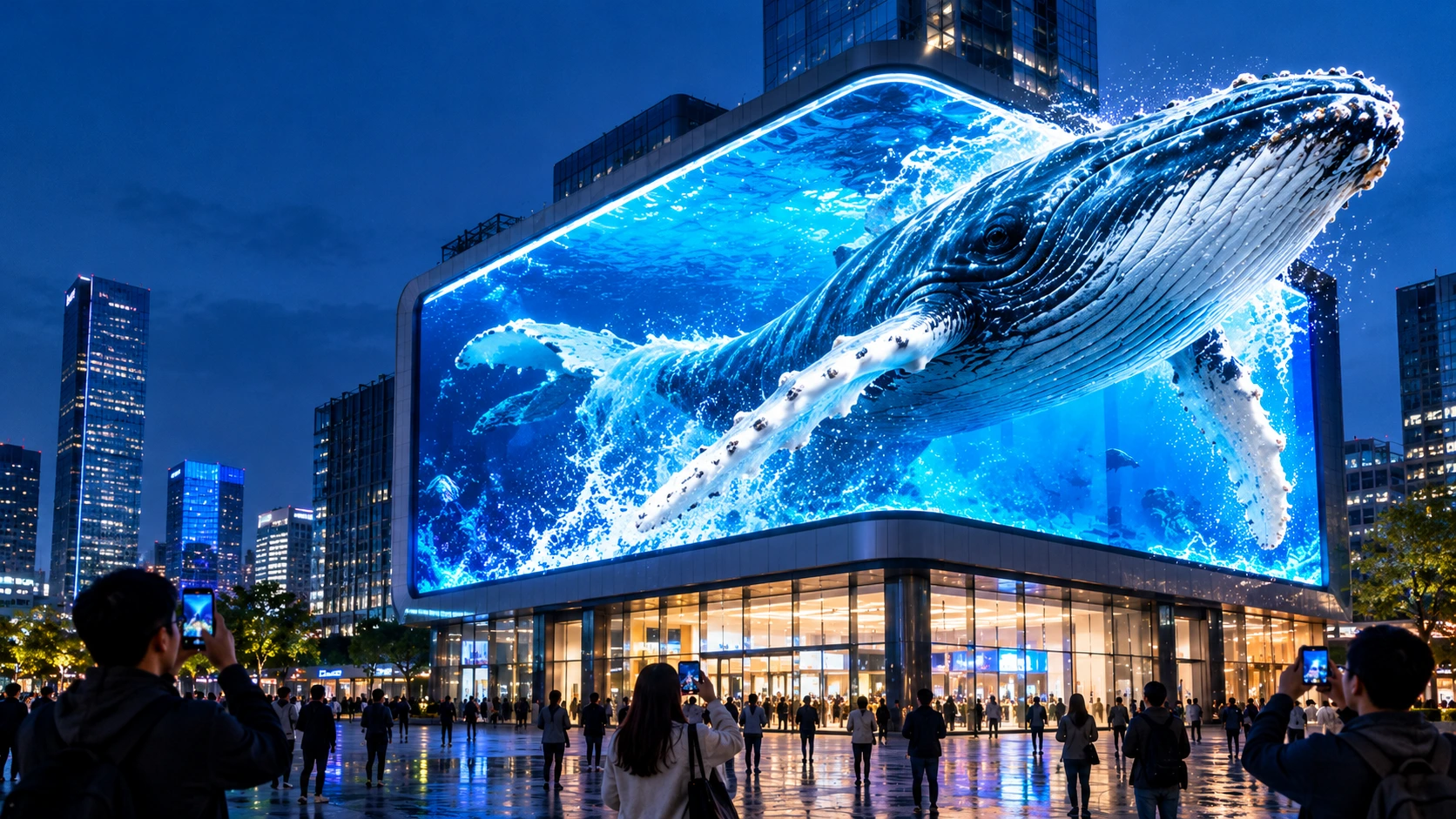
Naked Eye 3D LED Display - How It Works, Key Specs, Cost and How to Plan One (2026 Guide)
October 16, 2026

Transparent LED Displays for Storefronts
October 14, 2026
A shop window is the cheapest, most visible advertising space a business owns. It works around the clock, faces the busiest foot traffic, and reaches people who never walk through the door. An LED window display turns that glass into a live channel: bright video, instant offers, and seasonal content, all updated in minutes.
This guide explains what an LED window display is, compares the formats, shows how to choose pixel pitch, brightness, and transparency, covers installation planning and content, and gives you a way to measure return on investment.
Quick Answer
There are four main ways to put an LED screen in a window:
- Transparent LED panels or film: the screen is see-through, so the store stays visible.
- Solid high-brightness window screens: maximum image quality, but they block the view.
- LED poster or standee screens: a portable, plug-and-play unit placed behind the glass.
- Curved or flexible LED: for curved glass and non-standard shapes.
Choose by what the window must do. If the interior or merchandise needs to stay visible, choose transparent. If the screen is the star and the view behind it does not matter, a solid display gives the sharpest image. For small windows and fast setup, a poster screen is usually simplest.
What Is an LED Window Display?
An LED window display is a digital screen installed in or behind a shop window to show video, animation, and promotions to people outside. Because it emits its own light, it stays readable in daylight and glows after dark, which printed signs and ordinary consumer TVs cannot match.
What sets window screens apart from indoor signage:
- They compete with sunlight. Reflections and ambient light make brightness a primary specification.
- They sit behind glass. The glazing affects reflections, heat, and how the screen looks from different angles.
- They face two audiences. The people outside see the screen, and the people inside may see the back of it, so the rear design matters.
Why Businesses Put LED Screens in Windows
- Always-on advertising. The window works after closing time, when competitors’ signs are dark.
- Instant updates. Change prices, launches, or events without reprinting.
- Stronger attention than static signs. Motion and brightness draw the eye on busy streets.
- Flexible content. One screen can run product videos, offers, menus, testimonials, or event information, scheduled by time of day.
- Lower running costs over time. Reusable content avoids repeated printing and installation, though the screen has its own power and maintenance costs.
Types of LED Window Displays
| Format | What it is | Best for | Trade-offs |
|---|---|---|---|
| Transparent LED panels | Strip or bar modules hung behind the glass | Windows where the interior and products must stay visible | Less pixel density than solid screens; needs transparency data from the supplier |
| Transparent LED film | A thin adhesive layer applied to the glass | Retrofitting existing glass, clean minimal look | Surface preparation matters, and brightness varies by product |
| Solid window screens | High-brightness cabinet-style LED behind the glass | Maximum image detail and brightness | Blocks the view and light |
| LED poster / standee | Tall, slim, plug-and-play unit | Small to medium windows, shop entrances, temporary campaigns | Fixed shape, and often less customizable |
| Curved or flexible LED | Bendable modules | Curved glass, columns, irregular shopfronts | Needs careful structural design |
| Interactive window displays | LED plus touch or motion sensing | Experiential retail, showrooms | Added complexity and maintenance |
A note on “holographic” screens. Some suppliers market transparent LED displays with floating-image effects as “holographic.” That is a marketing term. These products use transparent LED, usually with content designed to look suspended in the glass, not a true hologram. Ask for a demonstration with your own content.
Which Format Should You Choose?
| Your priority | Likely best fit |
|---|---|
| Keep the shop interior visible | Transparent LED panels or film |
| Maximum image quality and brightness | Solid window screen |
| Fast setup, small window, or temporary campaign | LED poster screen |
| Curved glass or unusual shapes | Flexible or curved LED |
| Large glass façade or curtain wall | Transparent panels, film, or mesh-style solutions |
| Lowest effort to move between locations | LED poster screen |
| Brand experience and interactivity | Transparent or solid LED with touch or sensors |
Paying for transparency you do not need adds cost, and choosing a solid screen when the interior is part of the pitch wastes the window.
MIC’s range covers most of these routes: transparent screens, LED poster screens, indoor LED displays, and flexible displays.
Key Specifications to Get Right
Pixel pitch and viewing distance
Choose pitch from where people stand. A rough guide is that the pitch in millimetres equals the minimum viewing distance in metres, with the best viewing from about two to three times that.
| Typical viewing distance | Pitch range |
|---|---|
| 2–4 m (narrow pavement, entrance) | Fine pitch (roughly P2.5–P4) |
| 4–10 m (typical high street, mall corridor) | Mid pitch (roughly P3.9–P6) |
| 10 m and beyond (wide street, large façade) | Coarser pitch (roughly P5–P10) |
Transparent products usually use coarser pitches than solid screens, because the open space between LEDs is what creates the transparency.
Brightness
A window screen has to beat sunlight and reflections. As a planning guide, windows facing the street often need roughly 3,000–6,000 nits depending on sun exposure, orientation, and glass reflectivity. Some products advertise much higher peak figures, but most windows do not need them, and extra brightness means more heat and power.
Use automatic brightness control so the screen dims at night and in shade. That saves power, extends LED life, and avoids glare for neighbours.
Transparency (for see-through products)
Quoted transparency varies widely by product type, from about 50% for some panels to 90% or more for some films. Manufacturers measure it differently, so ask for the measured figure for the exact model and pitch, and compare like with like. Higher transparency generally means fewer lit points, so the image looks more open.
Refresh rate
Aim for at least 3,840 Hz if the window will be filmed or photographed, which people often do. Lower rates can show scan lines on phone cameras. MIC lists refresh rates of 3840–7680 Hz across its rental and commercial range.
Anti-glare and viewing angle
Reflections from the glass can make a bright screen hard to read. Ask whether the surface is anti-reflective, and check the screen from the angles real passers-by will use. Wide viewing angles help on pavements where people approach from the side.
IP rating
Screens inside a window behind the glass usually need basic protection, while screens exposed to the outdoors, such as above an entrance, need a weather rating such as IP65. Match the rating to where the screen actually sits.
Power and heat
LED screens generate heat, and a window can trap it. Check typical and maximum power per square metre, leave airflow behind the screen, and avoid sealed boxes in sun-exposed windows.
Control and signal
Confirm compatibility with your content system. Look for standard inputs (HDMI or Ethernet), scheduling, remote updates, and cloud management if you run several shops.
Planning the Installation
The best installs start with a survey, not a purchase order. A practical pre-installation checklist:
- Exact position on the window or façade
- Light conditions across the day and year, including reflections
- Available dimensions, including mullions, frames, and fixtures
- Business goals: what the screen should achieve and who it is for
- Structure: glass weight limits, ceiling or frame fixing points, and whether the display hangs, stands, or mounts on rails
- Cabling: power and data routes, with cables concealed from the street
- Ventilation: heat build-up behind the glass
- Service access: front or rear maintenance so a module can be replaced without dismantling the window
- Permissions: landlord approval, local signage and illumination rules, and any operating-hour limits. Rules vary widely by country and city, so check locally before ordering.
A well-run project hides the technology. The best window installs show content, not cables.
Designing Content for Windows
Content decides whether the screen sells.
- Design for glance time. People walk past, so use short messages and large type.
- Use high contrast. Pale pastels disappear in daylight.
- Create day and night versions. After closing, the window may be the brightest thing on the street, so reduce brightness and avoid harsh white loops.
- Use see-through design for transparent screens. Dark backgrounds become invisible, so products behind the glass show through.
- Rotate seasonal and event content. Promotions, holidays, and local events keep the window fresh.
- Add interaction where it makes sense. Touch, motion sensing, or QR codes can extend engagement for people who stop.
- Track results. Tie content to measurable actions, such as a code or offer, so you can see what works.
Measuring ROI Honestly
Many vendor pages quote dramatic results, such as large attention or conversion lifts. Treat those as claims, not forecasts, because outcomes depend on location, content, and offer. A more reliable approach is to measure your own results.
Simple ROI framework
- Costs: screen, installation, content creation, power, maintenance, and software over the screen’s expected life.
- Savings: printing, installation labour, and window-vinyl changes you will no longer need.
- Gains: extra sales from people who responded to window content.
- Test: run the screen on some days or hours and off on others, and compare footfall and sales, or use a unique offer or QR code.
- Payback: divide the total cost by the monthly net gain.
Illustrative running-cost example (assumptions, not a benchmark): if a 2 m² window screen averages 250 W/m², it draws about 500 W. At 12 hours a day, that is about 6 kWh a day, or roughly 2,190 kWh a year. At $0.15 per kWh, that is about $330 a year. Use your own area, power, hours, and electricity price.
Where LED Window Displays Work
| Business | How it is used |
|---|---|
| Retail and brand flagships | Launches, seasonal campaigns, offers |
| Restaurants and cafés | Daily menus, specials, food imagery |
| Real estate agencies | Property images and videos, available listings |
| Showrooms and car dealerships | Featured products, with the vehicle or product visible behind |
| Shopping centres | Promotions, event information, wayfinding |
| Hotels and banks | Welcome content, services, rates |
| Exhibitions and events | Temporary, modular installs |
| Commercial buildings and façades | Tenant branding and building messaging |
| Transport hubs and museums | Information and interpretive content |
See how MIC displays perform in real projects on the cases page, including a shopping mall immersive LED display, and browse commercial display solutions and advertising display solutions.
What Drives the Price of an LED Window Display
Price depends on the specification more than the outer size. Compare quotes on identical specs.
| Cost driver | Why it matters |
|---|---|
| Format | Transparent products, solid screens, and film are built differently |
| Pixel pitch | Finer pitch means more LEDs and more processing |
| Screen area | More modules, power, and installation time |
| Brightness | Sun-facing windows need higher output |
| Transparency | Different densities and constructions |
| Protection rating | Outdoor-exposed screens need a stronger build |
| Mounting and structure | Hanging, rail, or custom frames add cost |
| Control system | Simple scheduling versus multi-store management |
| Customization | Non-standard sizes, curves, or shapes |
| Content production | Video and animation may need to be created or adapted |
Maintenance
- Clean the glass and screen surface regularly with a soft cloth
- Check cables, vents, and connectors during routine inspections
- Keep spare modules from the same production batch so colours match
- Update content on a schedule so the window never looks stale
- Confirm warranty and the support route before ordering. See MIC’s warranty page.
Common Mistakes to Avoid
- Choosing a format before defining the window’s job
- Under-specifying brightness for a sunlit, reflective window
- Ignoring reflections and anti-glare
- Using content made for indoor TVs
- Skipping ventilation and heat planning
- Forgetting service access
- Leaving cables visible from the street
- Paying for transparency you do not need
- Comparing quotes with different pitch, brightness, or transparency
- Not checking landlord or local signage rules
- Expecting vendor ROI claims to apply to your store without testing
How to Choose: Step by Step
- Define the goal: awareness, offers, brand, or information.
- Decide whether the interior must stay visible.
- Measure the window and real viewing distances.
- Pick the format (transparent, solid, poster, or flexible).
- Choose pitch and brightness for those distances and the sun exposure.
- Plan mounting, cabling, ventilation, and service access.
- Prepare content and test it on a sample or mockup.
- Compare quotes on matching specifications.
- Confirm warranty, spares, and support.
- Measure results after launch and adjust content.
Why Work With MIC on an LED Window Project
MIC is a Shenzhen-based LED display manufacturer with 15+ years of industry experience and a 10,000 m² production facility. Its range covers indoor, outdoor, rental, COB, transparent, poster, floor, and custom LED screens, exported to more than 100 countries and regions. For a window project, that means:
- One supplier for several formats, so you can compare transparent, solid, poster, and flexible options fairly.
- OEM/ODM customization for non-standard sizes, shapes, and configurations.
- Engineering support on mounting, cabling, and ventilation before you order.
- Controlled production and testing before shipment.
- Published warranty terms and downloadable resources on the download page.
Frequently Asked Questions
What is an LED window display?
It is a digital LED screen installed in or behind a shop window to show video and promotions to people outside.
What is the difference between a transparent LED display and a solid LED window screen?
A transparent display lets light and views pass through, so the interior stays visible. A solid screen blocks the view but gives denser, sharper images.
Can an LED window display work in direct sunlight?
Yes, with enough brightness, usually roughly 3,000–6,000 nits depending on exposure, plus anti-glare treatment and automatic brightness control.
What pixel pitch should I choose?
Choose from where people stand. Finer pitches suit close viewing on narrow pavements, and coarser pitches suit wide streets and large façades.
Can LED window displays be installed on curved glass?
Yes, with flexible LED or film products, and a proper structural design.
How do I choose between film, panels, and a poster screen?
Use film or panels when the view must stay open, a solid screen when image quality matters most, and a poster screen for small windows and fast setup.
Do I need planning permission?
It depends on the country, city, building, and whether the screen faces outward. Check local signage and illumination rules and landlord requirements before ordering.
How much power does an LED window display use?
It varies by brightness and size. Ask for typical and maximum power per square metre, then calculate running cost with your own hours and electricity price.
Can I update content remotely?
Most systems support scheduled and remote updates through cloud or network-based software. Confirm this when comparing suppliers.
Are interactive window displays hard to maintain?
They add sensors or touch hardware, which means more components to check. Choose designs with front or rear service access.
How can I measure whether it works?
Run the screen on some days or hours and off on others, then compare footfall and sales, or use a unique offer or QR code.
Final Thoughts
An LED window display earns its place when it does a clear job: attract attention, show what you sell, and change as fast as your business does. Start with what the window must do, choose the format that fits, specify brightness and pitch for the real viewing conditions, and plan installation and content as carefully as the hardware. Then measure the results, so every campaign improves the next.
Planning an LED window project? Explore MIC’s transparent screens, LED poster screens, and indoor LED displays, or contact MIC with your window size, viewing distance, and sun exposure for a tailored recommendation.
Share on Social:


-
PREV:
Mini LED Display- What It Is, How It Works, and Where It Fits
- NEXT: Null
Contact Us
In This Article
Related Posts
LED Window Display- The Complete Guide for Retail, Advertising, and Commercial Spaces
October 26, 2026
Mini LED Display- What It Is, How It Works, and Where It Fits
October 26, 2026
Naked Eye 3D LED Display - How It Works, Key Specs, Cost and How to Plan One (2026 Guide)
October 16, 2026
Transparent LED Displays for Storefronts
October 14, 2026


