




What Is LED Display Refresh Rate and Why Does It Matter?
By miashuvo2077
Sep 28, 2026Related Posts

LED Window Display- The Complete Guide for Retail, Advertising, and Commercial Spaces
October 26, 2026

Mini LED Display- What It Is, How It Works, and Where It Fits
October 26, 2026
Naked Eye 3D LED Display - How It Works, Key Specs, Cost and How to Plan One (2026 Guide)
October 16, 2026

Transparent LED Displays for Storefronts
October 14, 2026
LED display refresh rate is the number of times per second the display redraws its image, measured in hertz (Hz). A rate such as 3,840 Hz means the screen refreshes 3,840 times per second. Higher refresh rates matter most when the screen is filmed: broadcast, stage and live-event displays are commonly specified at 3,840 Hz or above to reduce flicker, scan lines and banding on camera.
Key takeaways
- LED display refresh rate is a hardware timing figure in hertz; frame rate in frames per second describes the video source, not the screen, according to YES LED's 2025 guide.
- LianTronics recommends 1,920 Hz in its "daily use" example and at least 3,840 Hz for its listed professional photography, filming, live-streaming and close-up cases.
- 3,840 Hz is a widely cited target for filmed screens, but it is vendor guidance rather than a guaranteed flicker-free threshold.
- Driver ICs, pulse-width modulation (PWM) and scan method determine the rate a display can actually achieve, per YES LED.
- Lightking notes that a high refresh rate is not necessary for every use case and that static or low-motion content may need less.
What Does LED Display Refresh Rate Mean?
LED display refresh rate is how many times per second the LED screen redraws its image, expressed in hertz. It is a property of the screen's own driving electronics, not of the video being played.
VMX Visual defines LED display refresh rate as the frequency, in hertz, at which the display image is refreshed or redrawn each second. YES LED describes it as a display-hardware attribute rather than a content attribute. That distinction matters, because a specification sheet can quote a high refresh rate even when the video source is supplying only 25 or 50 frames per second.
Refresh Rate vs Frame Rate: What Is the Difference?
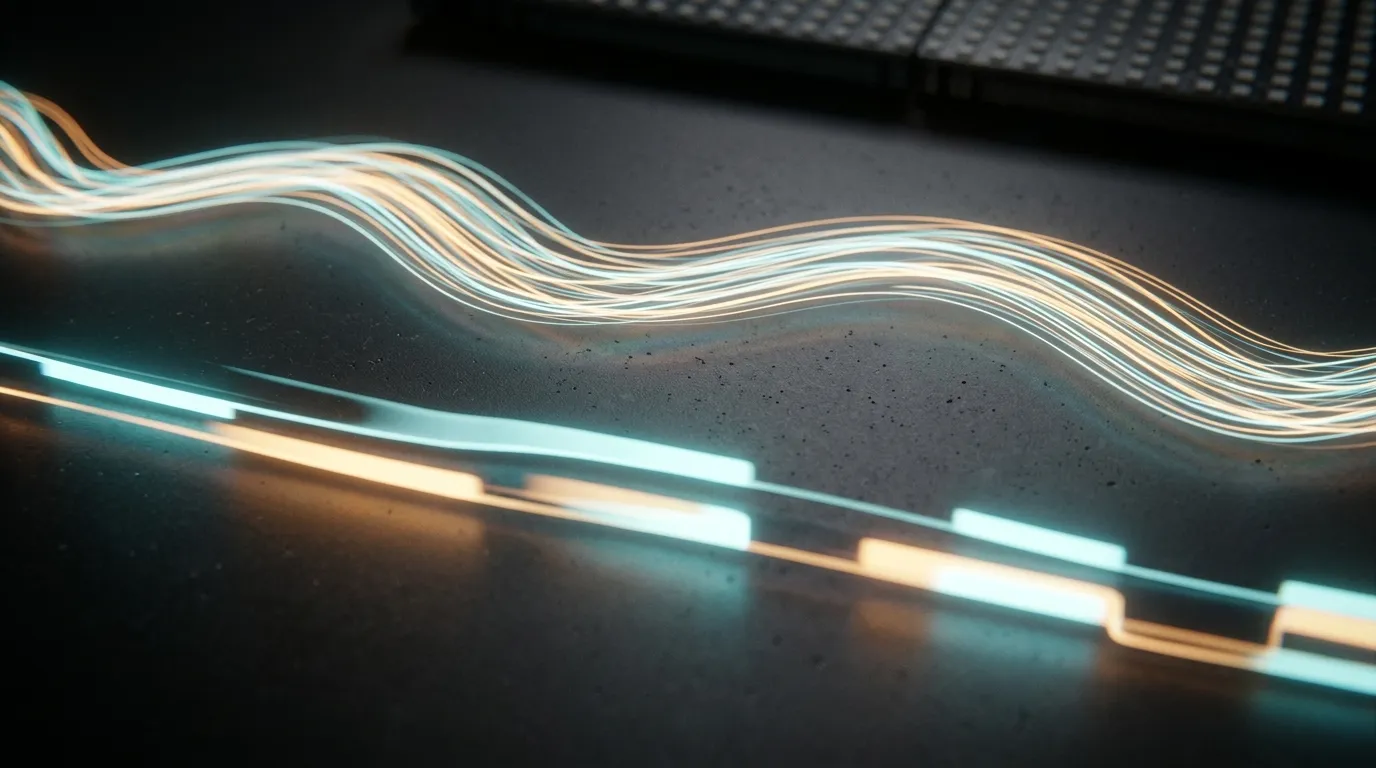
Frame rate is how many images per second the video source delivers, while refresh rate is how often the display redraws whatever it is currently showing. A 3,840 Hz screen does not mean 3,840 unique video frames per second.
According to YES LED's guide, refresh rate is a display-hardware attribute while frame rate describes the image information delivered by video content. The two numbers are set in different places, and confusing them is one of the most common misreadings of an LED specification sheet.
| Attribute | What it describes | Unit | Where it is set |
|---|---|---|---|
| Refresh rate | How often the display redraws its image | Hz | Display driver and controller electronics |
| Frame rate | How often the video source supplies new frames | fps | Camera, media player or source signal |
Why Refresh Rate Matters When the Screen Is Filmed
A camera samples the LED screen at its own shutter timing, so a screen that refreshes too slowly can be recorded with flicker, dark scan lines or banding that the eye does not see. A higher refresh rate gives the camera more refresh cycles to sample, which reduces the likelihood of those artifacts being captured.
LianTronics distinguishes camera-captured scanning lines from moiré patterns, attributing moiré to interference involving the camera sensor, the shooting distance and the viewing angle. That is why two different artifacts can appear in the same footage for different reasons, and why changing one setting may fix one and not the other.
The practical decision rule is simple: captured artifacts depend on camera shutter behaviour and on how the display is configured, so the only reliable check is a test of the actual screen with the intended camera and settings. A quoted refresh-rate figure alone does not tell you how the screen will look on a specific camera.
Why Broadcast, Stage and Filming Displays Are Specified Differently
Refresh rate matters most in broadcast, stage and filming because the audience is a camera, not only a human eye. For signage that is never filmed, a lower rate is often acceptable.
The recommendations below are the guidance each publisher states for its own examples and use cases. They are vendor recommendations, not industry-wide standards, and the intended use should drive the specification.
| Intended use | Cited recommendation | Source | Qualification |
|---|---|---|---|
| General/daily viewing example | 1,920 Hz | LianTronics | Publisher's example, not a standard |
| Professional photography, filming, live streaming, close-up camera work | At least 3,840 Hz | LianTronics | Publisher's stated guidance |
| Stage rental, concerts, live events | At least 3,840 Hz | VMX Visual | Vendor-published recommendation |
| Film, extended reality and high-end broadcast | 3,840–7,680 Hz | VMX Visual | Vendor-published recommendation |
Lightking, by contrast, states that a high refresh rate is not necessary for every use case and that static or low-motion content may need less, advising buyers to balance the specification against the application. Rental and event work is the clearest case for a high figure, because the same screen is filmed from many angles and distances. MIC Display serves rental and event companies as well as commercial and control-room projects, and builds stage display and rental led display systems for that mix of uses, including the indoor stage rental led display range.
Is 3,840 Hz Enough for Filming and Broadcast?
3,840 Hz is the figure most commonly cited in vendor guidance as a minimum for filmed LED screens, but it is a recommended target rather than a guarantee. Results still depend on the camera, its shutter settings, the viewing distance and the angle.
VMX Visual lists 3,840–7,680 Hz for film, extended reality and high-end broadcast work, which indicates that some high-end productions go above 3,840 Hz. MIC Display's pixel-pitch guide states that 3,840 Hz or higher is a target for screens that will be filmed or photographed, and gives an illustrative comparison: a P4 screen running at 3,840 Hz may look better on camera than a P2.5 screen running at 1,920 Hz. That is the guide's stated advice and example, not a controlled test result.
Treat 3,840 Hz as the entry point for camera-facing work, and specify higher only if a test with the actual camera shows artifacts at 3,840 Hz.
[DIAGRAM: A stream of 3,840 Hz refresh cycles running beneath a slower stream of 50 or 60 fps video frames, showing many refresh cycles inside a single frame.]
What Determines the Refresh Rate a Display Can Achieve?
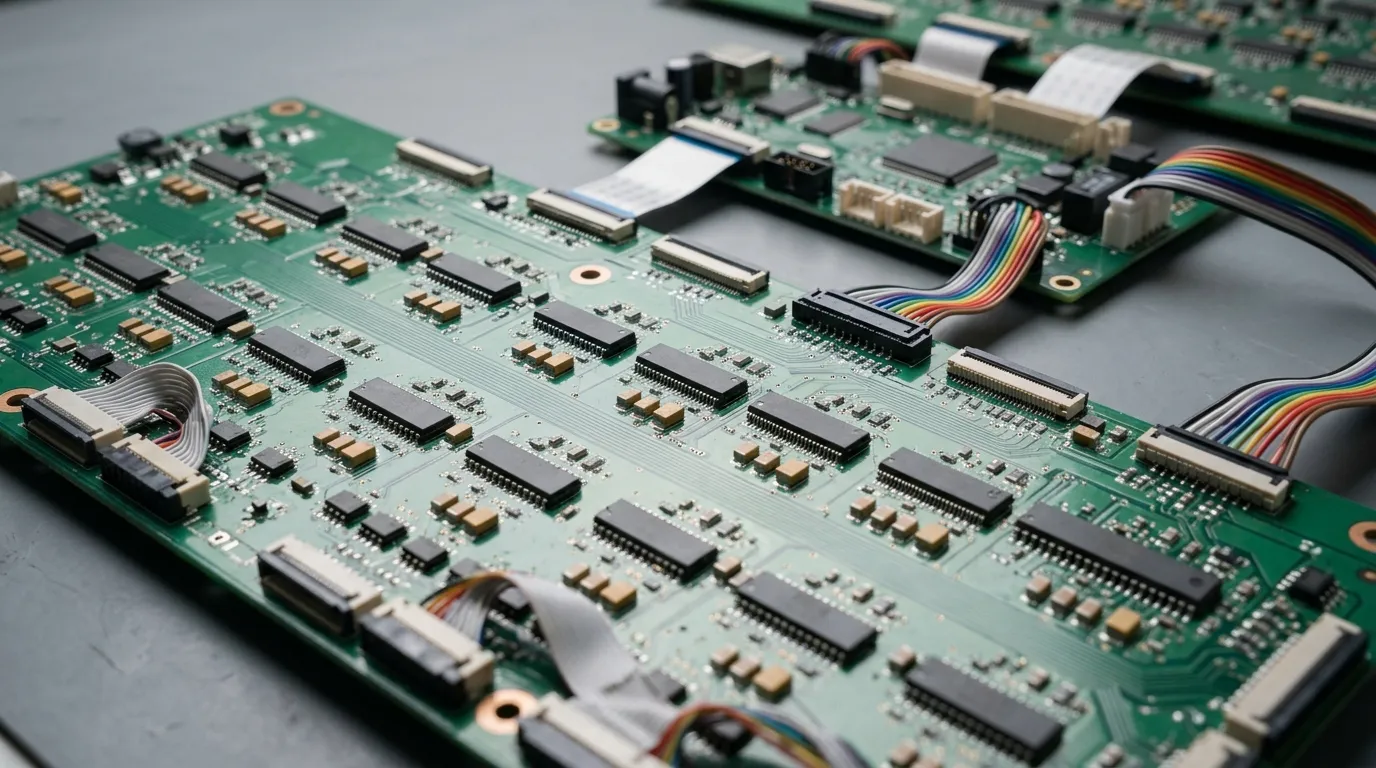
The achievable refresh rate comes from the display's driving electronics — its driver integrated circuits (ICs), PWM control and scan method — working together with the controller and the module design.
According to YES LED, scan driving works as time-division multiplexing, and both the driver chips and the chosen scan method affect the refresh rate a screen can reach. This is why two LED displays with the same pixel pitch, brightness and indoor led video wall dimensions can behave differently on camera if their driver electronics and scan configuration differ.
Does a Higher Refresh Rate Always Mean a Better Image?
No. Refresh rate addresses one specific problem — how a screen behaves when it is filmed — and does not by itself determine brightness, colour, contrast or overall image quality.
Lightking states that a high refresh rate is not necessary for every use case and advises balancing the specification against the application. The decision rule that follows is straightforward: match the rate to the intended viewer and to the motion in the content, then weigh it alongside other specifications such as pixel pitch rather than in isolation. Buyers comparing how different specifications interact across a screen can review MIC Display's led pixel pitch guide, which covers the relationship between pitch, viewing distance and camera performance.
How to Check a Quoted Refresh Rate Before You Buy
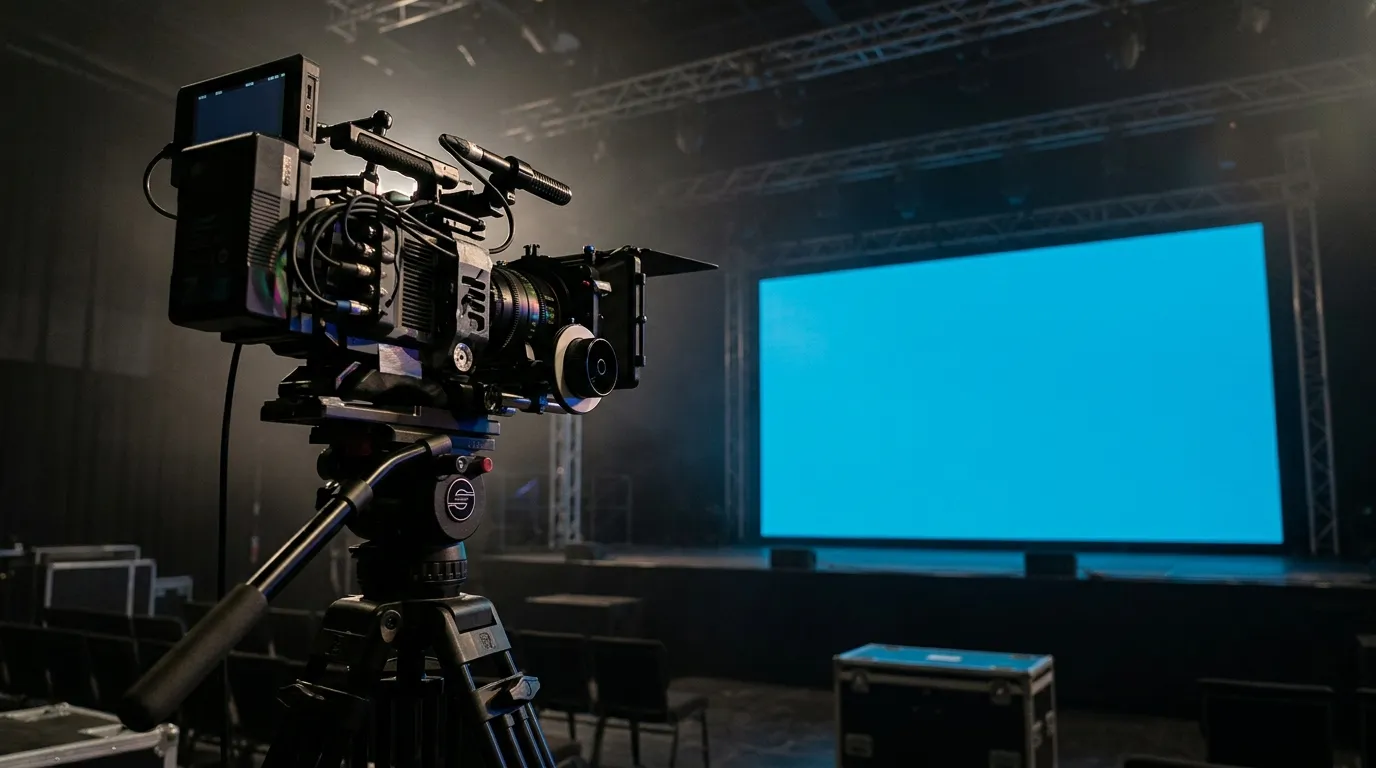
To confirm a quoted refresh rate, ask what configuration the figure applies to, then film the actual screen with your own camera under your own lighting before committing.
- Confirm whether the quoted hertz figure applies to the whole screen as it will be configured for your project, not to a single module or a laboratory condition.
- Ask which driver IC, PWM setting and scan mode produce that rate.
- Record the screen with the camera and shutter settings you will actually use in the venue.
- Vary distance and viewing angle, because moiré depends on the camera sensor, the distance and the angle, as LianTronics notes.
- Review the footage for flicker, scan lines and banding before you finalise the specification.
For project owners specifying a screen for a fixed venue, MIC Display's design team customises screen structure, size and configuration to each installation environment, which is where questions about framing, viewing distance and camera position are typically resolved.
[PHOTO: Two side-by-side renders of a filmed LED screen — one showing visible dark bands and scan lines, one showing a uniform image — labelled as illustrative comparison, not a test result.]
FAQ
Is 1,920 Hz enough for an LED display?
It depends on whether the screen will be filmed. LianTronics uses 1,920 Hz in its "daily use" example and recommends at least 3,840 Hz for its listed professional photography, filming, live-streaming and close-up camera cases. For a screen that is only viewed by the human eye, a lower figure is often sufficient.
What is the difference between scan lines and moiré?
LianTronics distinguishes camera-captured scanning lines from moiré patterns, attributing moiré to interference involving the camera sensor, the shooting distance and the viewing angle. Both can appear in footage of the same LED screen, but they have different causes, so raising the refresh rate may address scan lines without removing moiré.
Does refresh rate affect an LED display's price or power use?
No sourced figure is available for either relationship, so treat any such claim with caution. Ask the supplier how the quoted rate is achieved — which driver IC, PWM setting and scan mode — and weigh that against the other specifications the application actually needs, then confirm the agreed configuration in writing.
[DIAGRAM: A short decision path from "will this screen be filmed?" through "test with the intended camera, shutter, distance and angle" to "specify or adjust the configuration."]


Contact Us
In This Article
Related Posts
LED Window Display- The Complete Guide for Retail, Advertising, and Commercial Spaces
October 26, 2026
Mini LED Display- What It Is, How It Works, and Where It Fits
October 26, 2026
Naked Eye 3D LED Display - How It Works, Key Specs, Cost and How to Plan One (2026 Guide)
October 16, 2026
Transparent LED Displays for Storefronts
October 14, 2026


