




P1.5 vs P2 Indoor LED Display: Which Pitch Fits Your Room?
By miashuvo2077
Sep 26, 2026Related Posts

LED Window Display- The Complete Guide for Retail, Advertising, and Commercial Spaces
October 26, 2026

Mini LED Display- What It Is, How It Works, and Where It Fits
October 26, 2026
Naked Eye 3D LED Display - How It Works, Key Specs, Cost and How to Plan One (2026 Guide)
October 16, 2026

Transparent LED Displays for Storefronts
October 14, 2026
There is no single winner between a P1.5 and a P2 indoor LED display: the right pitch depends on how close the nearest viewer sits, the content shown and the budget. P1.5 (1.5 mm pixel pitch) packs roughly 78% more pixels per square metre than P2 (2 mm), so it holds detail for closer viewers; P2 often fits rooms where people view from farther back.
Key takeaways
- P1.5 means 1.5 mm pixel pitch and P2 means 2 mm; that spacing difference works out to about 444,444 versus 250,000 pixels per square metre, roughly 78% more pixel density at P1.5.
- The nearest realistic viewing position — not room size on its own — decides whether anyone can actually see individual pixels.
- P1.5 tends to suit text, spreadsheets and detailed graphics viewed up close; P2 tends to suit general video and brand imagery viewed from farther back. This is supplier guidance, not a fixed rule.
- No verified public figure exists for the P1.5-versus-P2 price gap. One supplier's 20–40% claim publishes no method and should not be repeated as a market fact.
- A finer pitch is not automatically the better buy if no viewer ever stands close enough to benefit from it.
What Do P1.5 and P2 Mean in an Indoor LED Display?
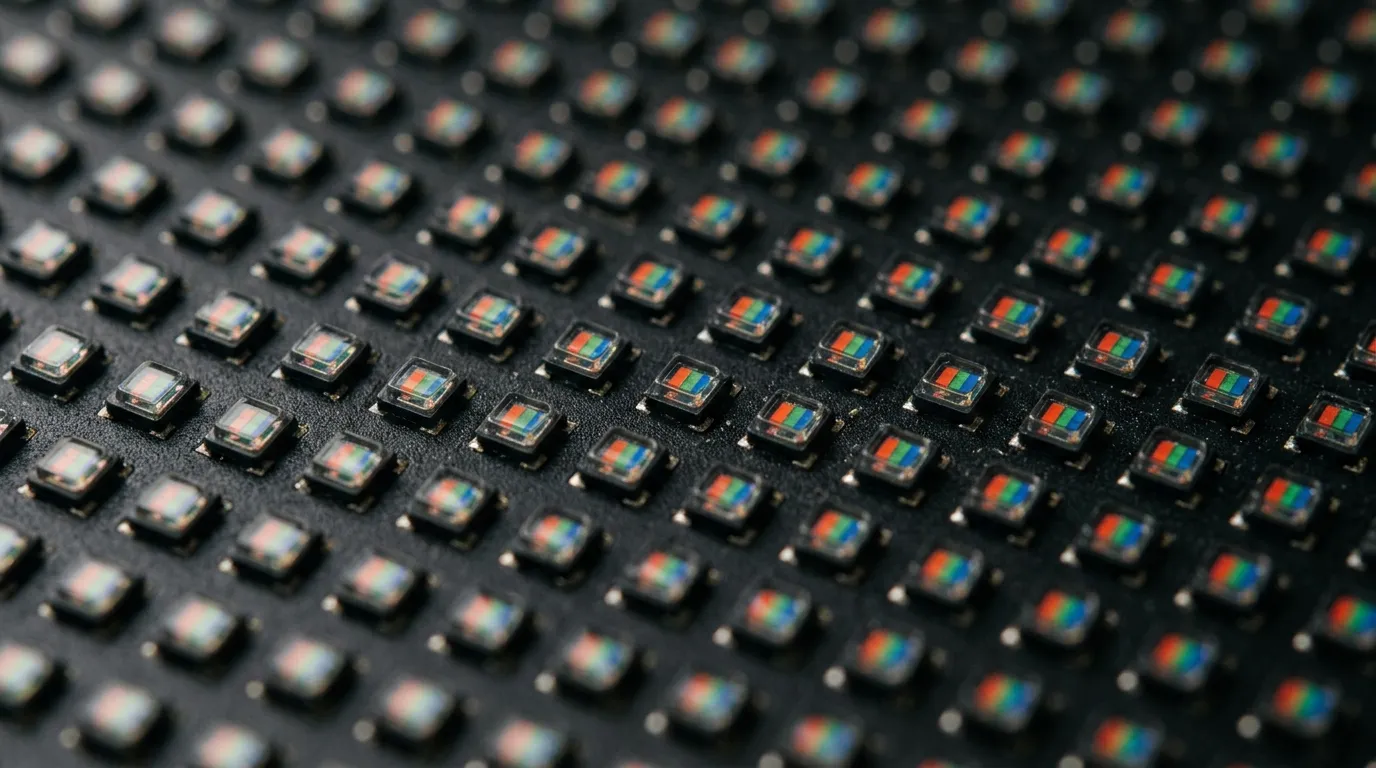
P1.5 and P2 describe pixel pitch — the centre-to-centre distance between adjacent LED pixels, measured in millimetres. P1.5 has 1.5 mm spacing between pixels and P2 has 2 mm, so P1.5 packs its pixels more tightly.
Pixel pitch is the standard way indoor LED displays are classified, and it is the number that most directly shapes how far away a screen still looks smooth. According to MIC Display's led pixel pitch, pixel pitch is the centre-to-centre distance between adjacent LED pixels expressed in millimetres. LEDVDI's P1.5 versus P2 comparison identifies P1.5 as 1.5 mm and P2 as 2 mm.
Both are fine-pitch products by indoor standards. A 0.5 mm difference in spacing sounds trivial on paper, but it changes how many pixels fit into every square metre — which is the subject of the next section.
Pixel Density and Resolution: What Actually Changes Between P1.5 and P2
Applying the standard pixel-density calculation (1000 ÷ pitch in mm, squared) to the stated pitches gives roughly 444,444 pixels per square metre at P1.5 and 250,000 pixels per square metre at P2 — about 78% more density at P1.5. Screen resolution, however, depends on pitch and physical size together, not pitch alone.
LEDLightsWorld's multi-pitch comparison independently lists P2.0 at approximately 250,000 pixels per square metre, which matches the calculated figure. The gap between the two pitches is real, but it only becomes visible when a viewer is close enough for their eye to resolve individual pixels.
The important planning rule: a display's pixel dimensions equal its physical size divided by its pitch. So a large P2 wall can carry more total pixels than a small P1.5 wall. Room size alone never determines the right pitch — the interaction of screen dimensions and pitch does.
| Pixel pitch | Pixels per m² | Relative density | Pixels across a 3 m × 2 m wall (calculated) | What this means for the viewer |
|---|---|---|---|---|
| P1.5 (1.5 mm) | ≈444,444 | Baseline | ≈2,000 × 1,333 | Smaller letterforms and fine graphics stay legible from closer positions |
| P2 (2.0 mm) | ≈250,000 | ≈78% less than P1.5 | ≈1,500 × 1,000 | Detail holds at greater distance; closer viewers may notice pixel edges |
If the wall will be permanently mounted rather than brought in for events, MIC Display's indoor led video wall range shows how cabinet dimensions and pitch are specified together for a fixed installation.
How Close Can People Stand? Viewing Distance for P1.5 and P2
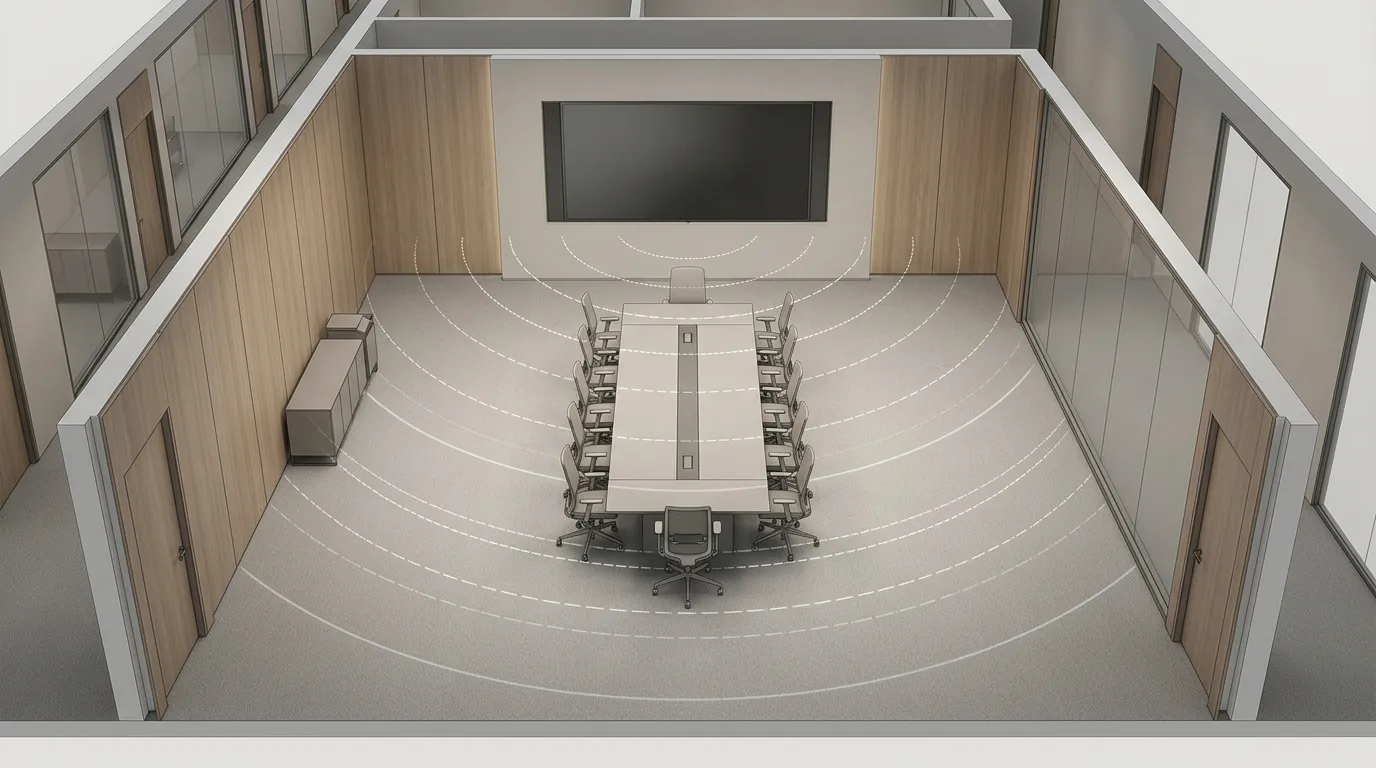
Measure the closest realistic viewing position, not the room's total dimensions. LEDVDI's quick answer recommends P1.5 for viewing distances under 2 m and P2 for distances over 3 m, while LEDLightsWorld gives an optimal viewing-distance guideline of at least 2 m for P2.0. These are planning estimates from suppliers, not published standards.
There is a reason to treat them cautiously. LEDVDI's own comparison table gives broad viewing ranges of 1.5–30 m for P1.5 and 2–30 m for P2, which does not match its prose figure of about 2–3 m for P2 to reach full visual fusion. When one page disagrees with itself, the number should not be treated as a threshold.
Pixel fusion also varies with content, brightness, contrast and individual eyesight. No source reviewed here supplies a tested standard that fixes a single distance for either pitch. Use these figures to frame a decision, then confirm the result on a sample at the real viewing distance.
Content Type: Which Pitch Handles Text, Data and Video Better?
P1.5 tends to suit text-heavy and data-heavy content viewed from closer positions, while P2 tends to suit general video, advertising and stage visuals viewed from farther back. LEDVDI associates P1.5 with fine-text and data-heavy applications such as presentations and dashboards, and P2 with general video, advertising and stage visuals.
The density gap explains the tendency. Tighter spacing allows smaller letterforms to remain legible before pixel edges become visible, which matters when someone is reading a spreadsheet column from two metres away. For a large brand image viewed from eight metres, the same gap may be invisible.
One related caveat: pitch alone does not determine how a display behaves on camera. If the screen will be filmed or used on a broadcast set, confirm refresh rate and driver configuration with the supplier before specifying. A data visualization deployment, for example, is judged on legibility of charts and numbers rather than on motion handling.
Room Scenarios: Meeting Rooms, Retail Spaces and Lobbies
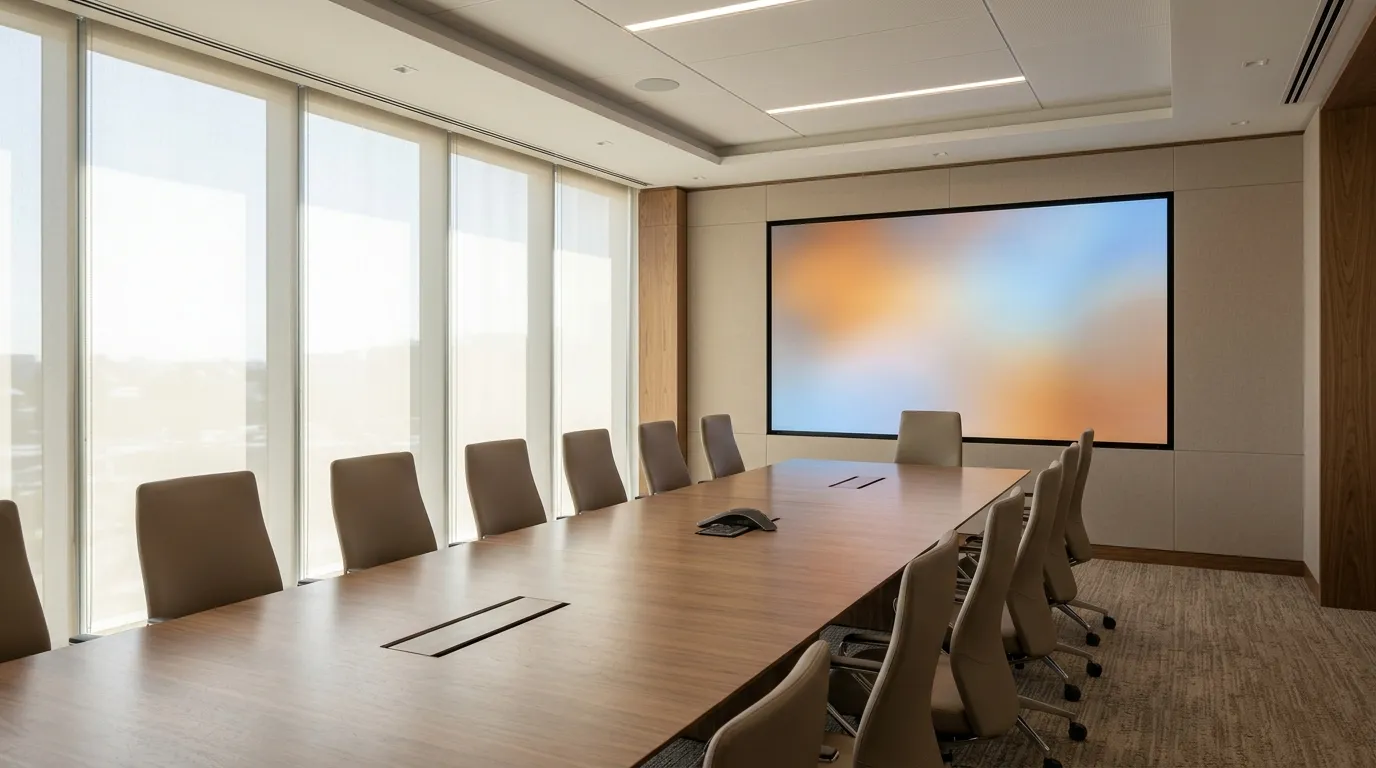
In a meeting room, the closest seat usually sits one to three metres from the screen, so P1.5 is the safer tendency for spreadsheets and small text. In retail, the answer depends on whether shoppers stand close to read product detail or view the screen across an aisle. In a lobby, it depends on the nearest realistic point on the walking path.
| Space | Typical nearest viewer | Typical content | P1.5 or P2 tendency | Why |
|---|---|---|---|---|
| Meeting room / boardroom | 1–3 m from the screen | Spreadsheets, documents, video calls, presentations | P1.5 tendency | Fine text at close range benefits from the higher pixel density |
| Retail interior or window | 0.5–2 m for product detail, or 3 m+ across the aisle | Product imagery, price messaging, brand video | P1.5 if shoppers read close detail; P2 if viewing is mostly distant | Match the pitch to where the majority of viewing actually happens |
| Corporate lobby | Nearest walking path, often 1–2 m | Brand video, welcome messaging, general imagery | P2 tendency, unless the path passes very close | General imagery rarely needs P1.5 density at typical lobby viewing positions |
| Long-distance viewing wall | 5 m or more | Full-screen video and large-format graphics | P2 tendency | Above roughly 3 m, most viewers cannot resolve the extra density P1.5 adds |
Two practical notes for these rooms. A permanently mounted wall follows a different specification process from a temporary one, so a commercial display or indoor fixed led display installation should be planned around the room's final dimensions rather than adjusted afterwards.
MIC Display's homepage states that its indoor high-definition display coverage spans a P0.9–P2.5 range. That is a product-range statement, not proof that every configuration suits every project; confirm the specific build for the room in question.
Budget: What Drives the Cost Difference Between P1.5 and P2
A finer pitch needs more LEDs, more driver channels and more control capacity per square metre, so P1.5 normally costs more than P2 at the same screen size. No verified public figure exists for the size of that gap, which means it has to be quoted per project.
LEDVDI states that P1.5 costs 20–40% more than P2, but the page publishes no methodology and no comparable quotation, so treat it as an unconfirmed supplier claim rather than a market figure.
Two rules make budget comparisons meaningful. First, compare quotes at identical screen size, cabinet type, brightness, controller and installation scope — otherwise the comparison is not valid. Second, confirm the nearest viewer position before paying for extra density that nobody will perceive. Cost drivers are configuration-dependent, and pitch is only one input among several.
Does the Smaller Pitch Always Look Better? A Short Selection Checklist
No. At the distance where P2 pixels already fuse visually, the extra density in P1.5 may not be perceptible for general video, so the smaller pitch only wins when viewers, content or text size actually require it.
Work through these steps in order:
- Mark the nearest realistic viewing position on the room plan — not the back wall, and not the average seat.
- List the smallest text or detail viewers must read, and at what distance they will read it.
- Set the screen's physical size, then calculate pixel dimensions from pitch and size rather than assuming a pitch.
- Compare quotes at equal configuration, not at equal price.
- If the difference is still marginal, review the two pitches side by side at the real viewing distance before specifying.
Pitch and LED surface technology are separate decisions. A fine pitch cob led display is one surface option to consider alongside a standard surface-mounted build; it is not a guaranteed feature of either P1.5 or P2, and it should be confirmed as part of the specification.
Frequently asked questions
What is the ideal pixel pitch for an LED video wall?
There is no universal figure. Start from the closest realistic viewing position, the smallest text that must be read, the physical screen size and the budget. A pitch that looks smooth from a back row can still show visible pixel edges to someone standing near the screen.
Can viewers see individual pixels on a P2 indoor display?
It depends on distance. Supplier guidance reviewed here suggests roughly 2–3 m for P2 pixels to fuse visually, with one source giving about 2 m as a minimum guideline. Closer than that, pixel edges become noticeable, especially on high-contrast text and thin lines.
How much more does a P1.5 display cost than a P2?
No verified public figure exists. LEDVDI claims 20–40% more, but publishes no method, so treat that as unconfirmed. Cost depends on pixel density, module and driver count, cabinet structure and installation, so compare quotes at the same size and configuration.
Is P1.5 overkill for a large lobby?
It depends where the closest realistic viewing point is. If people pass within a metre or two, or small text matters, P1.5 holds detail better. If the nearest viewer is always several metres away and the content is general video or branding, P2 may look equivalent for less.
If a specific room still leaves the choice open, MIC Display's design team customizes screen structure, size and configuration to each project's installation environment. MIC Display has been an LED display factory in China since 2011, produces indoor, outdoor, rental, fine-pitch COB, transparent, LED floor tile and LED poster displays, and exports to more than 100 countries; displays carry a 5–8 year warranty with remote technical support. Share the room's nearest viewing distance, content type and approximate screen size, and review the broader indoor led display range for the configuration that fits.
Share on Social:


Contact Us
In This Article
Related Posts
LED Window Display- The Complete Guide for Retail, Advertising, and Commercial Spaces
October 26, 2026
Mini LED Display- What It Is, How It Works, and Where It Fits
October 26, 2026
Naked Eye 3D LED Display - How It Works, Key Specs, Cost and How to Plan One (2026 Guide)
October 16, 2026
Transparent LED Displays for Storefronts
October 14, 2026


