




How to Choose the Right Pixel Pitch Based on Viewing Distance
By hyderali
Nov 14, 2026Related Posts
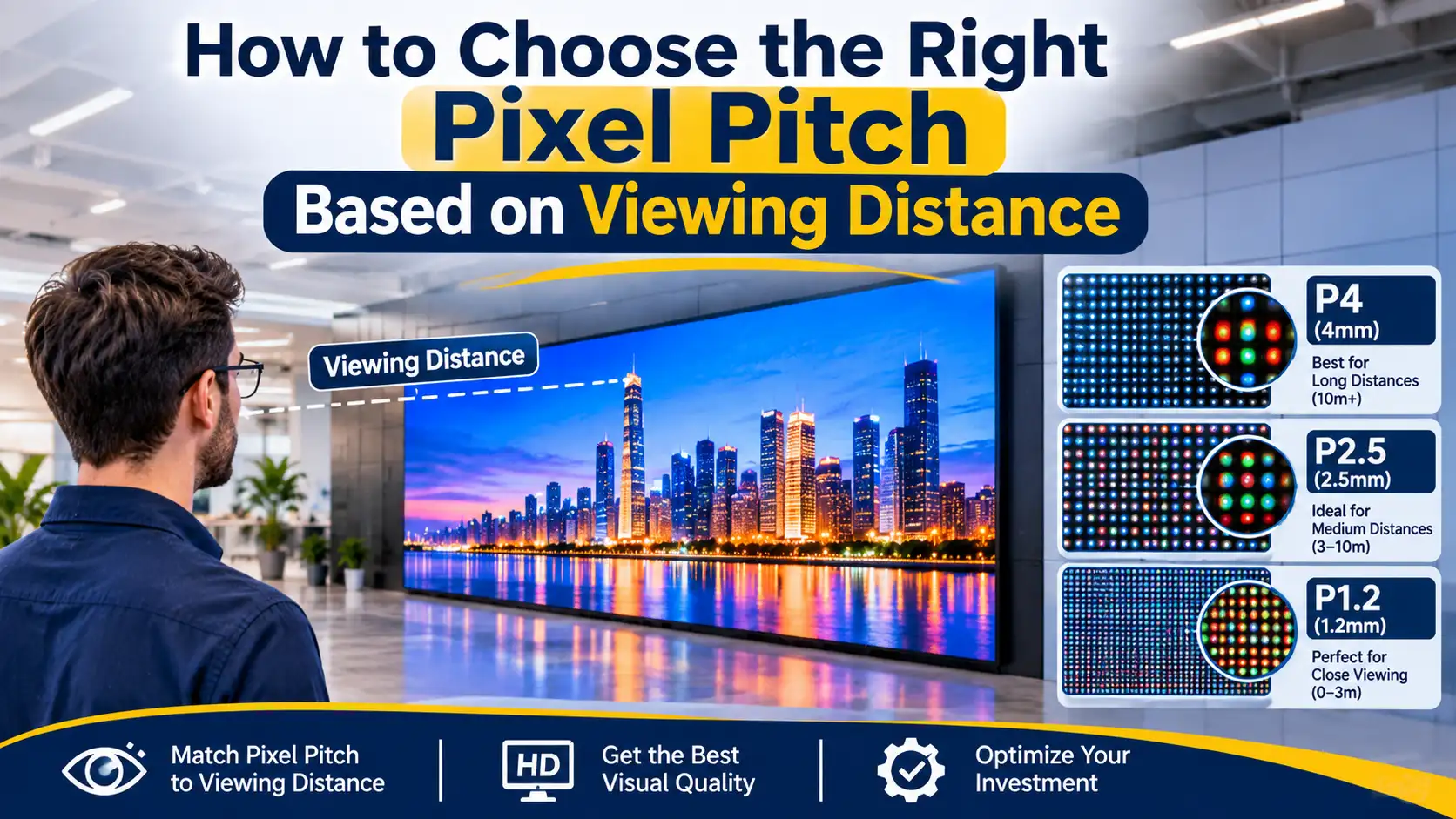
How to Choose the Right Pixel Pitch Based on Viewing Distance
November 14, 2026
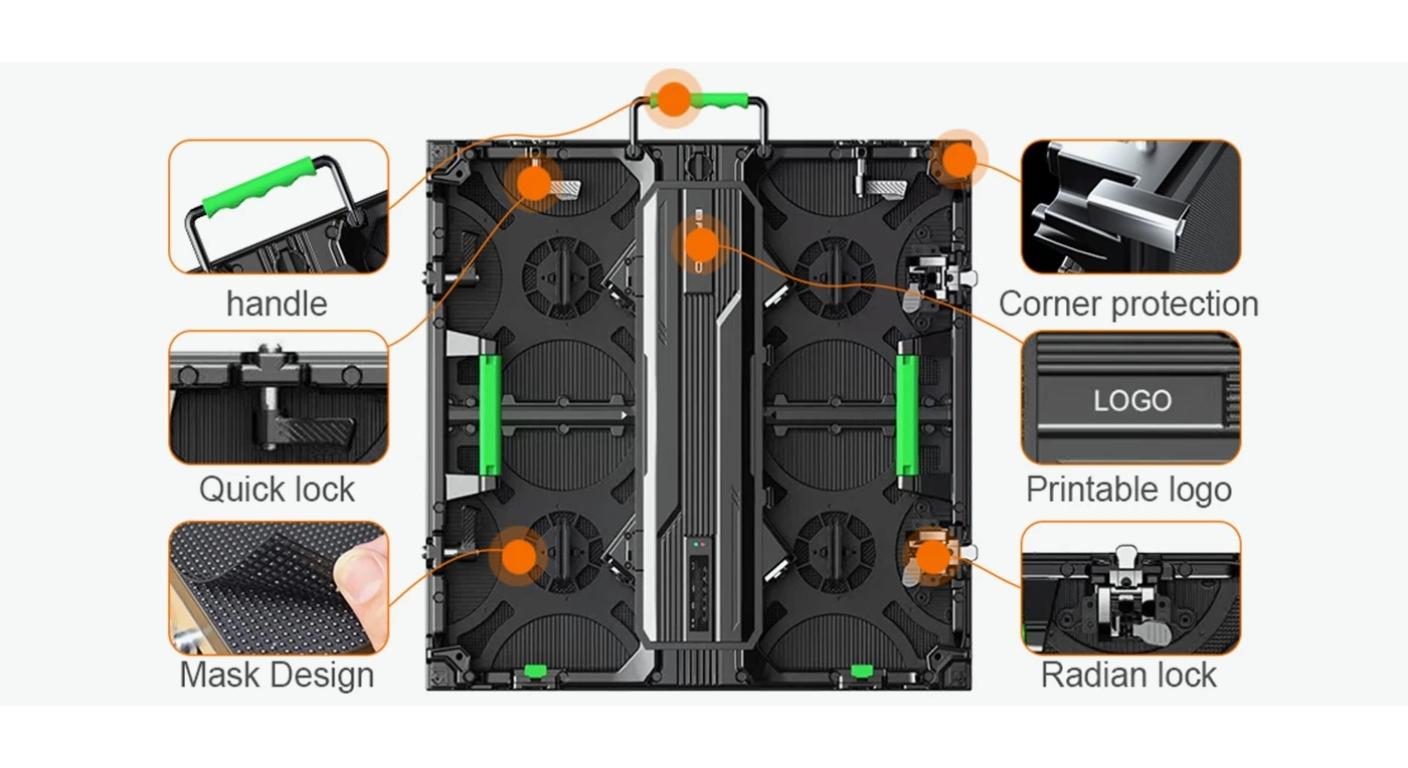
Corner Protection Rental LED Panel: Damage Prevention and Maintenance Guide
October 30, 2026
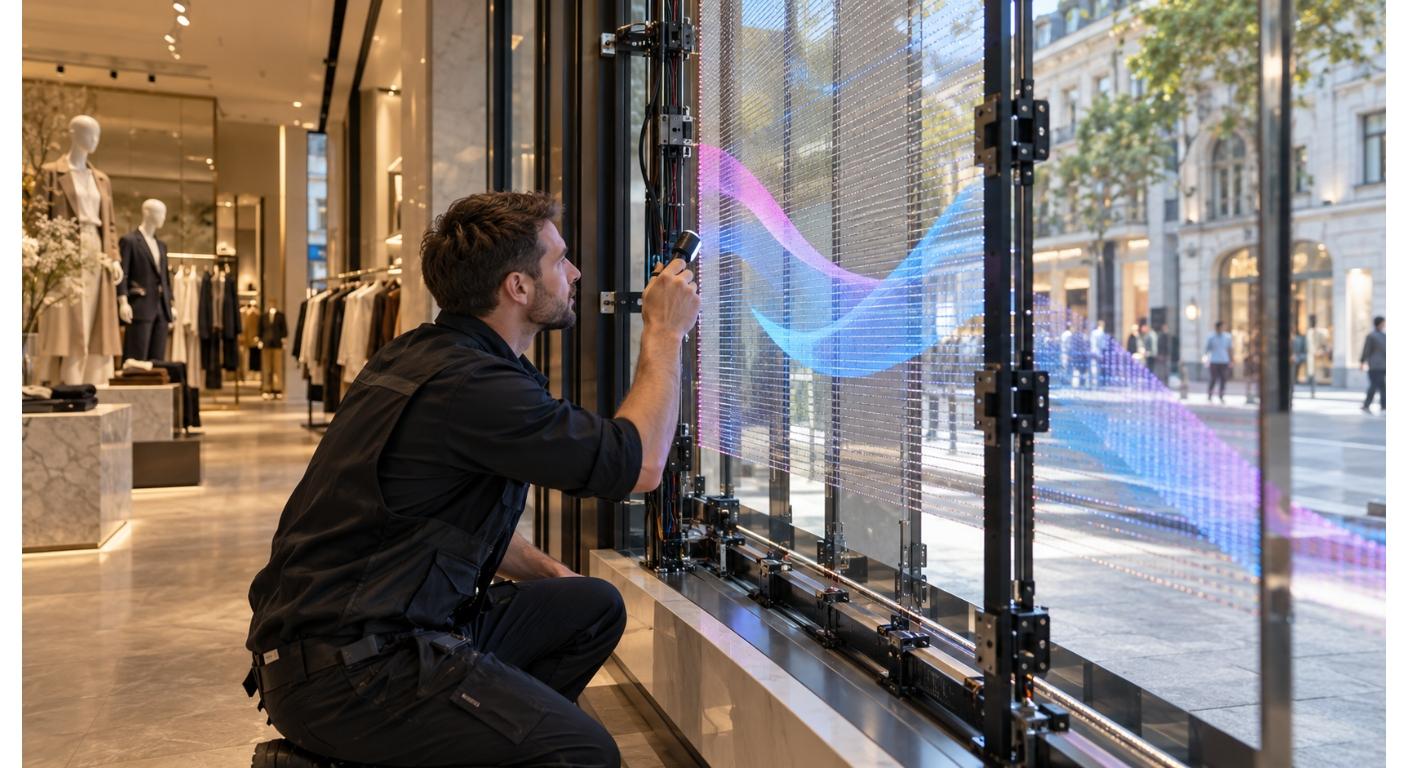
How to Choose a Shop Window Transparent LED Display for Retail Stores
October 29, 2026
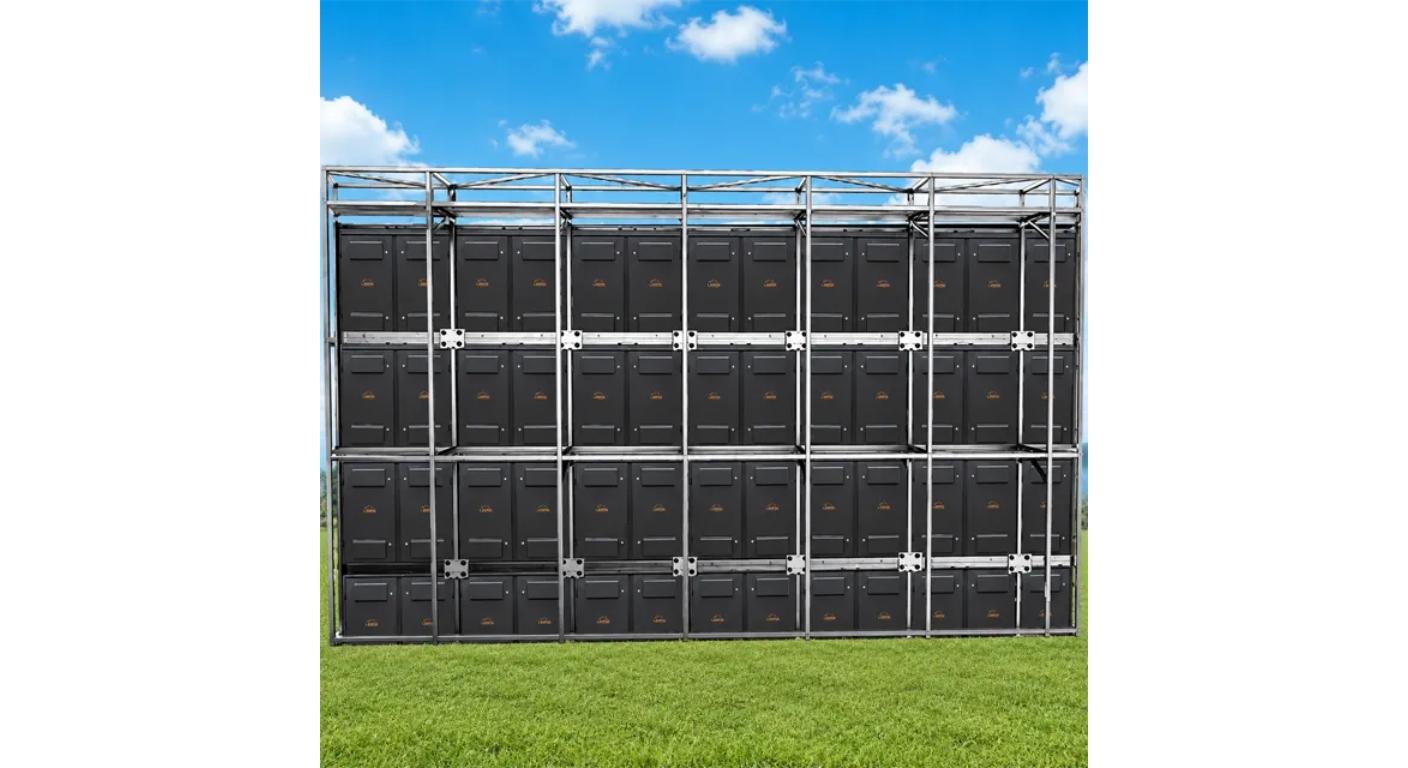
Iron vs. Aluminum Outdoor LED Display Cabinets: How to Choose
October 28, 2026
Choosing the wrong pixel pitch can leave you with an LED wall that looks sharp in a product photo but blurry or pixelated when people stand nearby. You may spend more than planned on a finer display, or save money on a screen that doesn't show the detail your audience expects. It happens when buyers focus on screen size and forget about viewing distance.
The good news? You can make a much better choice with a few measurements.
Before selecting an indoor LED display, check:
- How close the nearest viewer will stand.
- How far most viewers will sit or walk from the screen.
- Whether the content includes small text, charts, video, or simple graphics.
- How large the finished LED wall needs to be.
- What resolution your project requires.
This guide explains how to compare these details, use a practical chart, and select a display pitch that fits your space.
What Does Pixel Pitch Mean in an LED Display?
Pixel pitch is the distance, measured in millimeters, between the centers of two neighboring pixels on an LED screen. A smaller number means the pixels sit closer together, creating a denser display with more detail in the same screen area.
For example, P1.5 has a smaller gap between pixels than P3. A fine-pitch screen can show detailed content more clearly at a short distance. A larger pitch may work well when viewers stand farther away.
The number after P tells you the spacing in millimeters. It isn't the screen size or the total number of pixels.
When comparing an led wall pixel pitch, remember that the right option depends on the room and how people will use the display. A reception screen, meeting room video wall, and large event screen may need different specifications.
MIC's indoor LED display range lists options including P1.25, P1.53, P1.667, P1.86, P2, P2.5, P3.076, P4, and P5. These choices cover different indoor viewing needs.
How Does Viewing Distance Affect Pixel Pitch?
Viewing distance helps you decide how small the gap between pixels should be. People standing close to a screen can notice individual pixels more easily, while viewers farther away may see a smooth image even with a wider pitch.
A useful starting point is to allow roughly one meter of minimum viewing distance for each millimeter of pitch. For a more comfortable viewing experience, many planning guides use around two to three meters per millimeter. Treat these as estimates, not fixed rules.
For instance, a P2 screen may suit viewers standing around two meters or farther away. A P2.5 screen generally needs more distance for the pixel pattern to become less noticeable.
The best pixel pitch for monitor use also depends on how close someone sits and what appears on the screen. A monitor viewed from a desk needs much finer detail than a large screen across a conference room.
What Is the LED Pixel Pitch Viewing Distance Chart?
Use this chart as an initial guide when comparing common indoor LED display options. The minimum distance uses approximately one meter per millimeter of pitch, while the comfortable range uses two to three meters per millimeter.
| LED Pixel Pitch | Approx. Minimum Viewing Distance | Suggested Comfortable Range | Possible Indoor Use |
| P1.25 | 1.25 m | 2.5–3.75 m | Close-viewing rooms and control spaces |
| P1.5 | 1.5 m | 3–4.5 m | Meeting rooms and showrooms |
| P1.86 | 1.86 m | 3.72–5.58 m | Corporate lobbies and conference rooms |
| P2 | 2 m | 4–6 m | Meeting spaces and retail displays |
| P2.5 | 2.5 m | 5–7.5 m | Retail areas and larger indoor halls |
| P3 | 3 m | 6–9 m | Event spaces and larger rooms |
| P4 | 4 m | 8–12 m | Large indoor venues |
| P5 | 5 m | 10–15 m | Screens viewed from farther away |
These figures are planning estimates. Actual results depend on content, viewer eyesight, screen brightness, display processing, and the room layout. Always test the proposed display from the nearest audience position when possible.
If your front row sits only three meters away, a P1.5 or P2 option may deserve consideration. If the audience stays much farther back, a wider pitch may meet the visual requirement without paying for extra pixel density.
How Can You Calculate the Right Pixel Pitch?
You don't need complicated software to make an initial estimate. Start by measuring the distance from the LED wall to the nearest regular viewing position.
A simple planning method is:
- Measure the nearest viewing distance in meters.
- Use that distance as an initial estimate for the pitch in millimeters.
- Compare the result with available display options.
- Check the screen's resolution and content requirements.
- Review the image from the actual audience positions before confirming.
For example, if the nearest viewer stands about 2.5 meters away, P2.5 gives a basic starting point. If the screen will show small text or detailed dashboards, consider a finer option.
An led pixel pitch calculator can help you compare these values quickly. However, a calculator cannot replace a proper project review. You still need the screen dimensions, audience layout, content type, and required resolution.
You can also estimate the screen's pixel width with a simple calculation:
Screen width in millimeters ÷ pixel pitch = approximate horizontal pixel count
Suppose your LED wall is 4,000 mm wide and uses P2. That gives approximately 2,000 pixels across the screen. A 4,000 mm wall using P4 gives approximately 1,000 pixels across.
This difference matters when you plan detailed presentations or large text layouts.
How Does Pixel Pitch Affect LED Wall Resolution?
A smaller pitch packs more pixels into the same physical area. That can improve image detail, especially when viewers stand close to the screen.
But a fine pitch doesn't automatically make every project better. The video source, processor, screen dimensions, and content resolution also affect the final image. If your content has limited detail, an extremely fine display may not provide a visible benefit.
Consider these points:
- Small text: Fine pitch can help viewers read detailed information at closer distances.
- Video content: Choose a pitch that supports the viewing distance and source quality.
- Charts and dashboards: Check that labels and thin lines remain clear from the nearest seat.
- Large graphics: A wider pitch may work if viewers see the screen from farther away.
For a useful led wall pixel pitch comparison, calculate the expected pixel dimensions of the complete screen. Don't judge a display only by its P number.
Which Pixel Pitch Is Best for Different Indoor Spaces?
The right choice changes with the room. MIC's indoor LED display options include fine pitches for close-viewing environments and wider pitches for larger indoor installations.
Meeting rooms: People may sit close to the display and read slides or spreadsheets. Compare fine-pitch options such as P1.25, P1.53, P1.86, and P2.
Retail stores and showrooms: Check where customers stand and whether the screen shows product details, promotions, or video. P1.86, P2, and P2.5 may be worth comparing based on the layout.
Control rooms: Operators may need to read detailed information for long periods. Give extra attention to the closest viewing position and the amount of small text on screen.
Large indoor halls: Viewers usually stand or sit farther away. P2.5, P3, P4, or P5 may be suitable starting points, depending on the required image detail.
The best pixel pitch for monitor applications can be different from the right choice for a large video wall. A desk monitor needs close-range clarity, while an auditorium screen serves a much wider audience.
What Other Factors Should You Check Before Choosing?
Viewing distance is a strong starting point, but it isn't the only detail that affects the final choice. Check the full installation before comparing quotations.
- Screen dimensions: A larger wall needs enough total pixels to display your content clearly.
- Content type: Small text and technical information need more detail than simple promotional graphics.
- Room lighting: Bright indoor spaces may need different brightness settings from darker meeting rooms.
- Installation space: Confirm cabinet dimensions, mounting method, and access for maintenance.
- Viewing angles: Check whether people will watch from the sides as well as directly in front.
- Maintenance access: Ask how technicians will reach modules and components after installation.
MIC lists front-maintenance options and different cabinet configurations for indoor display projects. These details can matter when the screen sits close to a wall or inside a fitted space.
What Mistakes Should You Avoid When Selecting Pixel Pitch?
A few common mistakes can affect both image quality and project cost. Check these points before approving the display specification.
- Choosing only by price: A cheaper screen may not provide enough detail for close viewing.
- Ignoring the front row: Measure the nearest regular viewer, not just the room's average distance.
- Using screen size as the only guide: Physical dimensions don't tell you how sharp the image will look.
- Forgetting the content source: A fine-pitch display cannot create detail that isn't present in the original content.
- Skipping a viewing test: Review the proposed pitch from real audience positions whenever possible.
A second look before ordering can prevent a costly mismatch. It also helps your team explain why one specification suits the project better than another.
How Can MIC Help You Choose an Indoor LED Display?
MIC's indoor LED display page presents MC-S and MC-PRO series options for different commercial and professional environments. The listed applications include retail spaces, meeting rooms, showrooms, control centers, and other indoor projects.
When reviewing a suitable pixel pitch, prepare three details first: your nearest viewing distance, planned screen dimensions, and the type of content you want to show. These details give the MIC team a clearer starting point for discussing available configurations.
You can also review cabinet sizes, front-maintenance options, brightness settings, and installation requirements. Ask for the technical specifications that match your project rather than selecting a model from its pitch number alone.
Frequently Asked Questions About Pixel Pitch
What pixel pitch is best for an indoor LED display?
There isn't one option for every room. P1.25 to P2 may suit close-viewing applications, while P2.5 to P5 may work for larger spaces where viewers stand farther away. Confirm the nearest viewing distance and content detail before choosing.
What is the minimum viewing distance for P2 LED?
A common planning estimate puts the minimum viewing distance for P2 at around two meters. A more comfortable distance may be around four to six meters. Actual results depend on the screen and viewing conditions.
Is a smaller pixel pitch always better?
No. A smaller pitch provides more pixels in the same area, but it may add cost without a useful visual improvement if viewers stand far away. Match the specification to the room and content.
How do I calculate LED screen pixel pitch?
Pixel pitch is a hardware specification measured in millimeters between neighboring pixel centers. To estimate screen resolution, divide the screen width in millimeters by the pitch. Use the same method for screen height to estimate vertical pixels.
What is the difference between P1.5 and P2.5 LED displays?
P1.5 has closer pixel spacing and a higher pixel density than P2.5. It can show finer detail at shorter distances, while P2.5 may suit larger viewing distances. The right option depends on your project requirements.
Can I use an LED pixel pitch calculator to select a screen?
Yes, an led pixel pitch calculator can help estimate viewing distance or screen resolution. But it should support your decision, not make it alone. Check the audience layout, content, screen dimensions, and installation conditions too.
What pixel pitch is suitable for a large conference room?
The suitable pitch depends on the distance between the display and the nearest seat. Compare options such as P1.86, P2, and P2.5 as starting points, then review the expected resolution and content.
Does pixel pitch affect LED display cost?
It can. Smaller pitch generally requires more closely spaced pixels across the same screen area, which can affect the display specification and price. Compare complete project quotations rather than pitch alone.
For an indoor LED project, start with the nearest viewing distance and the content people need to read. Then review the available options with MIC LED Display and request a configuration that matches your room.
Share on Social:


Contact Us
In This Article
Related Posts
How to Choose the Right Pixel Pitch Based on Viewing Distance
November 14, 2026
Corner Protection Rental LED Panel: Damage Prevention and Maintenance Guide
October 30, 2026
How to Choose a Shop Window Transparent LED Display for Retail Stores
October 29, 2026
Iron vs. Aluminum Outdoor LED Display Cabinets: How to Choose
October 28, 2026


