




Choosing the Right Rental and Staging LED Display for Live Events
By hqt
Oct 19, 2026Related Posts
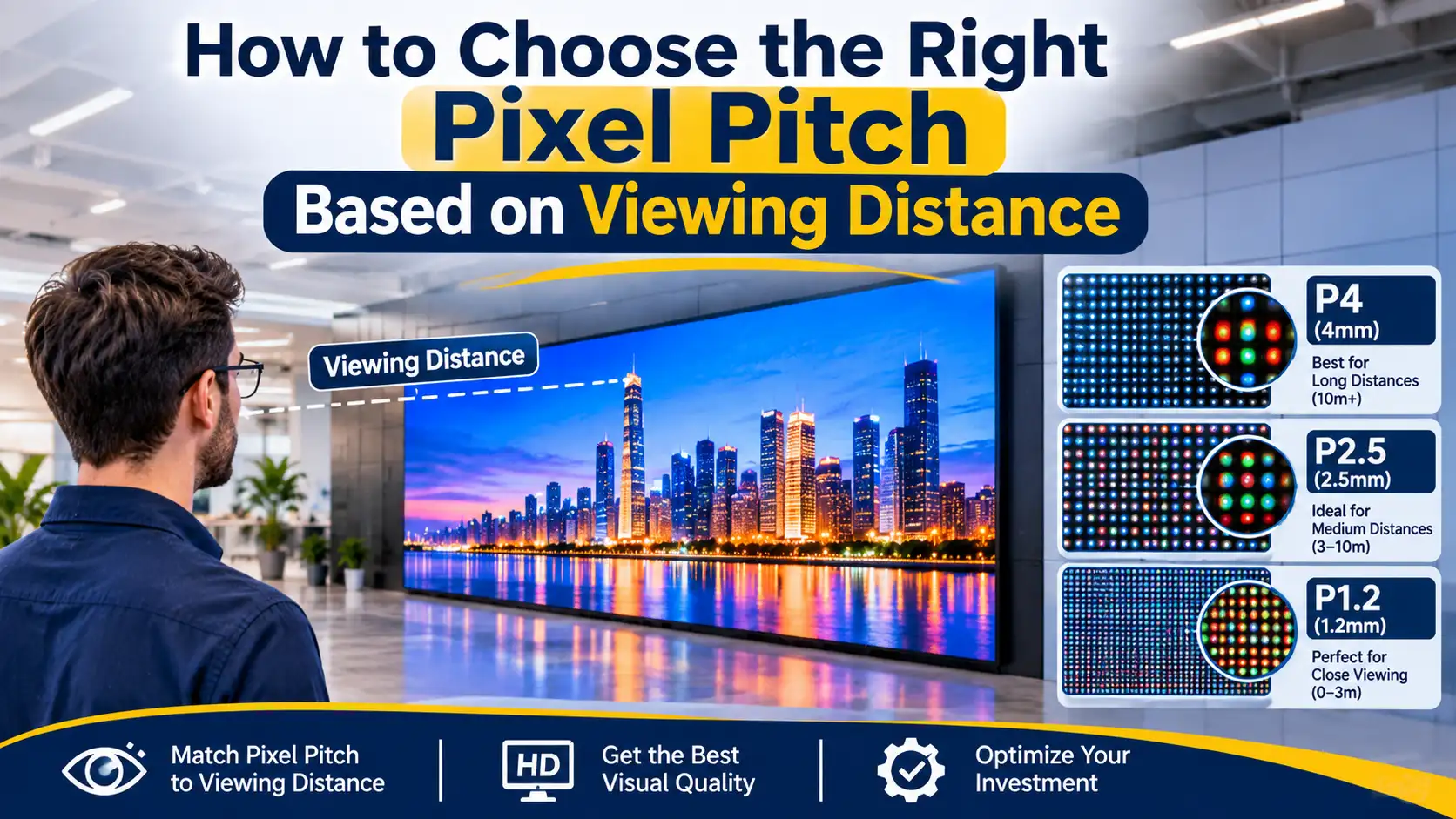
How to Choose the Right Pixel Pitch Based on Viewing Distance
November 14, 2026
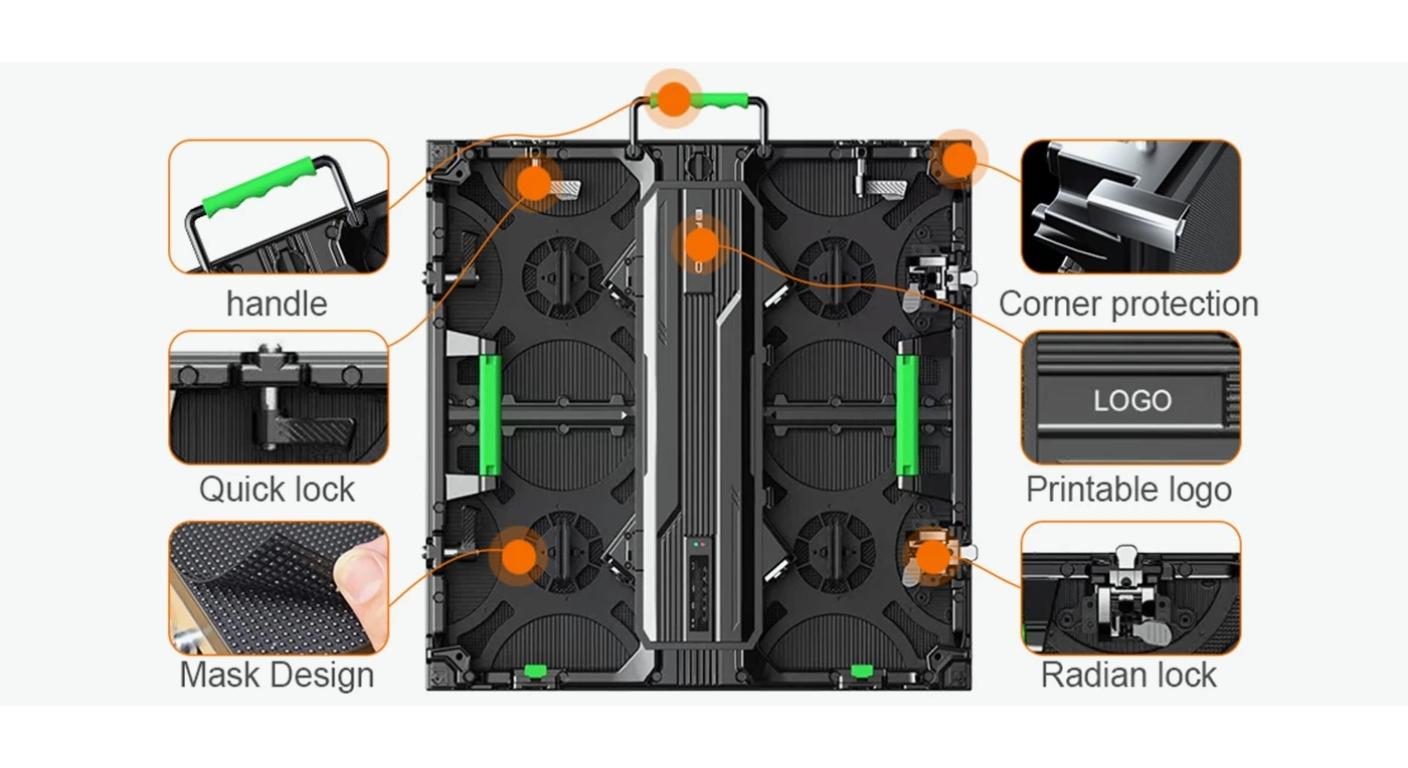
Corner Protection Rental LED Panel: Damage Prevention and Maintenance Guide
October 30, 2026
How to Choose a Shop Window Transparent LED Display for Retail Stores
October 29, 2026
Iron vs. Aluminum Outdoor LED Display Cabinets: How to Choose
October 28, 2026
The conference background, outdoor festival screen and curved exhibition display have different work. Choosing one rental and staging the LED display for all 3 without doing research may result in the problems with visibility, exposure to weather, assembly or camera recording.
The goal for the rental company or production team is to acquire a screen that's appropriate to the event and can be guaranteed to be in place within the allotted time frame. There are three pertinent directions in MIC's rental range: MCR-S indoor, MCR-S outdoor and MCR-MAX flexible indoor displays. Knowing the differences will be a better basis for comparison than just looking at the specifications.
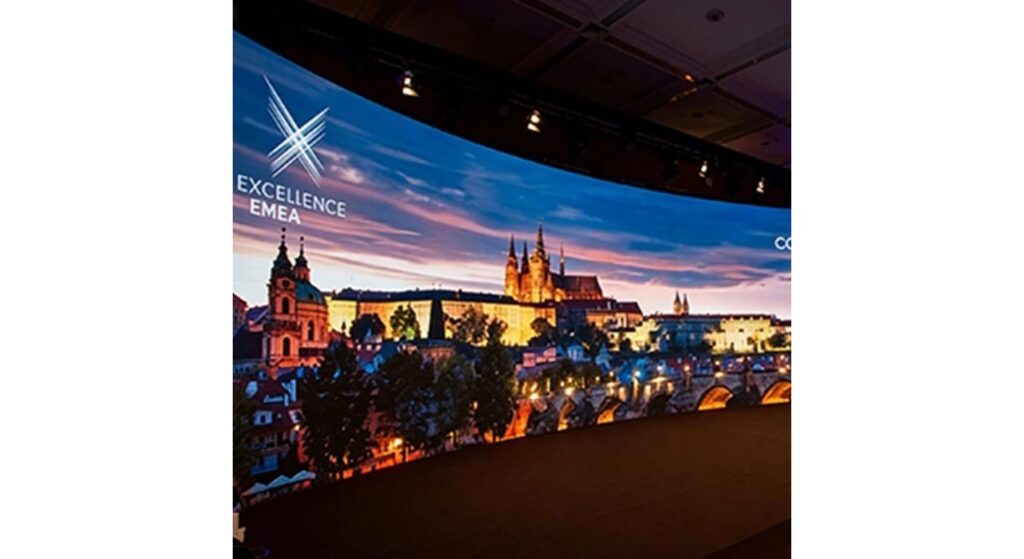
LED displays can be used both indoors and outdoors.
First, begin with the context that the screen will be in. Lighting and weather is more controllable for indoor venues while outdoor stages add varying ambient light, moisture and exposure to the electrical connections.
MIC rates its indoor MCR-S to be IP30 and its outdoor MCR-S to be IP65. These are not the same configurations, with a common series name not being proof that environmental capabilities can be interchanged.
When planning outdoor events, check the level of brightness needed in relation to the direction of the event, time of day and daylight factors. Ask what the proposed configuration is, and don't assume that an "outdoor" rating means that it's going to be visible in the sun.
A stage with a cover should also be evaluated. Rain can enter the equipment from the side and cables or connections may be exposed to rain outside the protection of the screen. Work the selection of the display in conjunction with the full temporary installation.
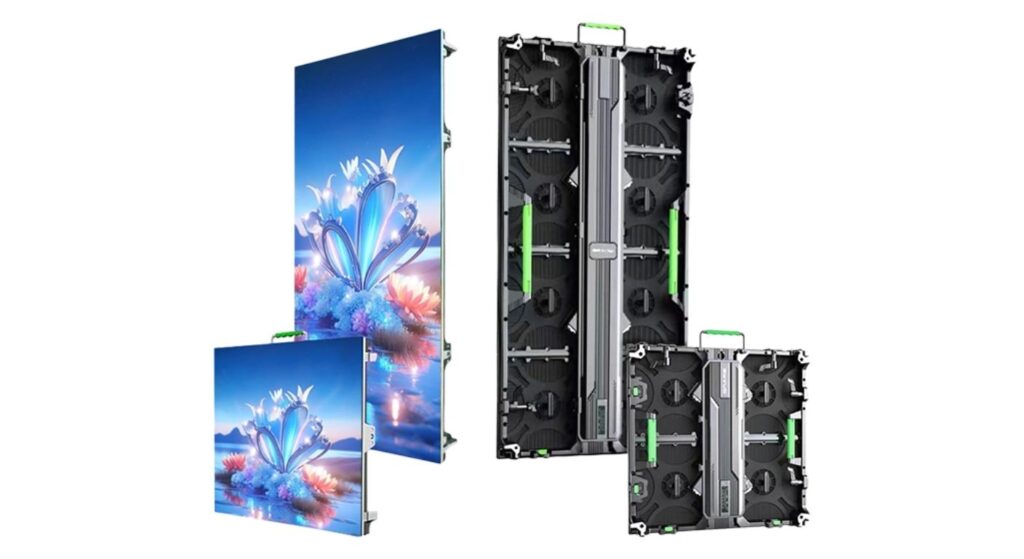
The size of the cabinet, the size of the pixels and the layout of the screen.
The screen increments will depend on the cabinet size and the pixel pitch is the number of pixels per increment. Both will affect whether the completed wall will be appropriate for the content and distance at which the wall will be viewed.
MIC’s MCR-S indoor and outdoor pages list 500 × 500 mm and 500 × 1000 mm cabinets. These sizes are useful for establishing the screen outline but combinations of sizes should be considered in the context of the approved product configuration.
First, design the layout of the cabinets and then create the content canvas. Verify total number of pixels and how the processor output will fit on the wall. This prevents the presentation getting too long, or important graphics getting cut off in rehearsal.
Pick a pitch at the nearest meaningful viewing position and for the detail to be shown. Consideration must be given to small text, which is different from large stage graphics. If the shape of your screen is curved, also review what the impact of the curves is on sightlines and content placement—an appealing physical shape should have a usable viewing surface.
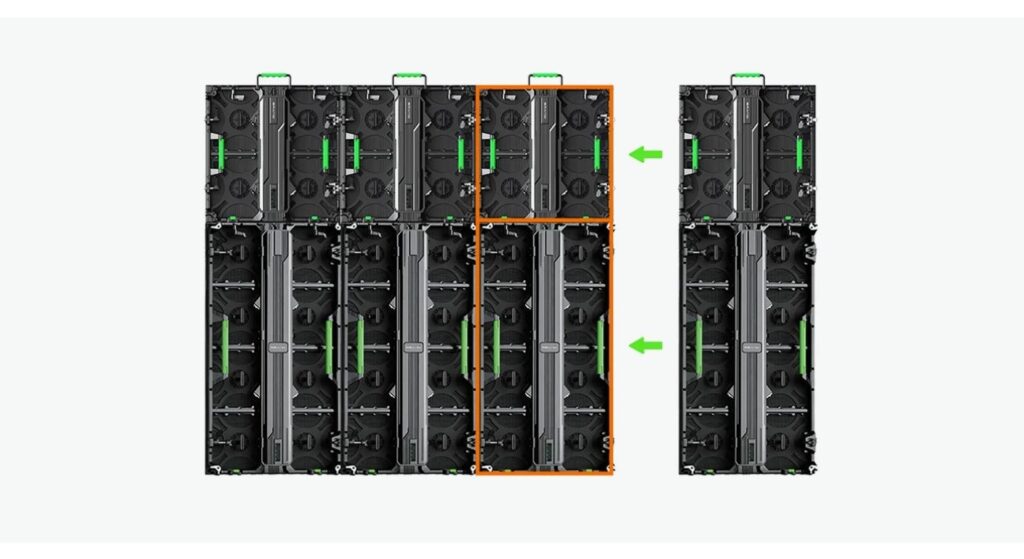
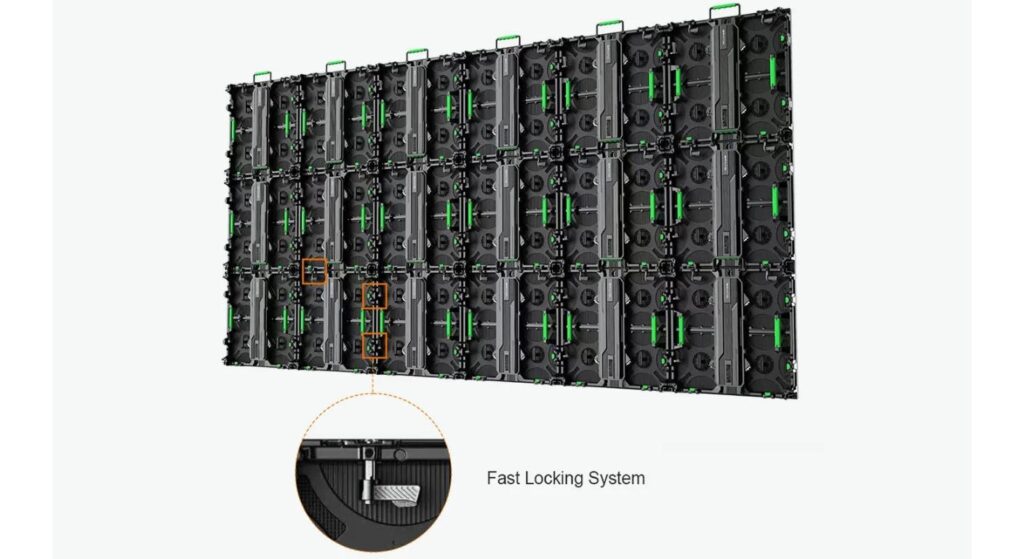
Quick Locks, Handling and Transport
Rental equipment is constantly being set up, broken down and transported. Discuss the process with the technicians that will be performing that work, including how cabinets will be removed from their cases and placed on the supporting structure.
Quick locks and handling features described in MCR-S product information are for event use. A practical demonstration should be performed to confirm if the crew has the ability to align panels, reach connections, and be able to do the full dismantling without imposing unnecessary stresses on vulnerable edges.
Quick locks are not a substitute for an approved rigging or ground-support design, but are suitable for connecting cabinets. Check wall mounting accessories and installation restrictions for the wall proposed.
Complete loaded weight, not just cabinet weight needs to be addressed in transport planning. Verify dimensions of cases, access to loading, handling equipment and cable/stool storage. Time required to close each lock can be as important as the smooth passage of the trucks from truck to stage.
The refresh rate and camera performance are the features that differ among various smartphones.
The recorded image could exhibit flicker, bands or moiré, while the image on the screen is clear to the audience. Thus, an acceptance test is required for camera performance when the event involves filming, streaming and/or live camera feeds.
The frames per second (fps) in video is not the same as the LED refresh rate (hertz). High frame rate camera settings and/or high refresh values alone do not ensure clean shooting.
Flicker and banding may relate to how LEDs are drove and how the camera exposure timing are done. Discuss the shoot camera speed, shutter, shutter angle, display and sync settings with production team.
The problem with Moiré is interference caused by the pattern of the screen's pixels and the sampling of the camera. It can be affected by camera distance, camera lens, frame setup, focus and LED pixel pitch. Without changing anything else, it doesn't change that spatial interaction with an increase in refresh rate.
Test the actual screen, processor, cameras and show lighting in conjunction. Record something and check the footage (camera placement, desired brightness etc.) before approving it.
Maintenance, Spares and Event Preparation:
Schedule maintenance to take place around the assembled stage. Determine the parts that can be accessed, the tools needed, and if a replacement can be done without seeing other parts of the scenery being destroyed.
Discuss and reach an agreement with supplier on an acceptable spare package. The configuration of modules, receiving cards, power supply, and cables should be identical to that delivered – a part that looks like it is the same is not enough proof of compatibility.
If doors will be opened, perform a complete signal run-through of the last content. Check panel alignment, image congruence, connections and recovery from a broken source or faulty component.
Have a Cabinet map and designate an individual to respond to fault. The event checklist below is a one last handover document, without having to repeat the preparation instructions in multiple sections. It should be done after the assembly and rehearsal, where installation related errors can be detected.
| Checkpoint | Acceptance Record | Responsible Team |
| Support and assembly | Installation signed off | Rigging / installation |
| Power and signal | Connections and recovery checked | LED technicians |
| Content mapping | Final canvas and playback approved | Content / playback |
| Camera recording | Test footage reviewed | Camera / video |
| Fault response | Spares and replacement procedure confirmed | Technical lead |
Making a decision on the correct MIC Rental LED Display to hire is not a simple one to make.
When it comes to conferences, presentations and other controlled indoor productions start with MCR-S Indoor Event Rental LED Screen. The lowest published pitches are down to P1.953, which is appropriate given the audiences will be viewing detailed content relatively close.
If there is an outdoor event in which you need to view a screen, consider using the MCR-S Outdoor Event Rental LED Screen. Estimate the brightness, environment and connection protection to be used in the venue conditions before approval.
If you are looking for creative indoor backdrops, then the MCR-MAX Flexible Indoor Rental LED Screen is for you. To describe the concave, convex, S-shaped arrangements with adjustment up to about 22.5°, MIC uses the following terms. Make sure you understand the specific geometry allowed, and not “flexible” which means not to bend.
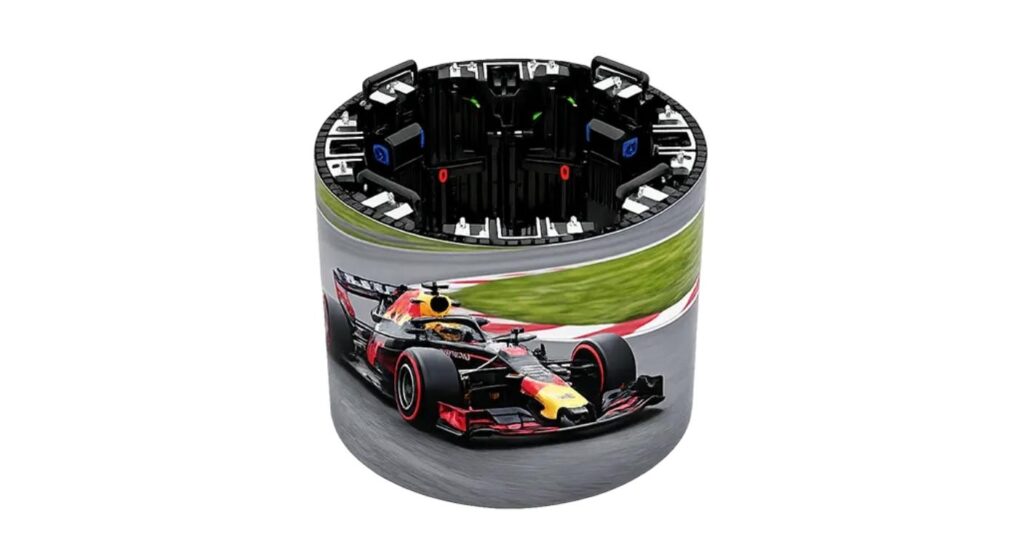
MCR-S also provides curved-layout capabilities, not all curved walls need to have MCR-MAX. Select from the necessary form, content and combination.
Submit a single concise brief via MIC's project consultation page including the venue, layout, viewing space, camera needs and project build schedule. Make a request for configuration proposal (including cabinets, processing equipment, accessories, and spares).
Conclusion
The venue, audience, production workflow and camera requirements are all tied together by a rental and staging LED screen that is appropriate to the situation. First select the environmental set-up, then verify layout and working out.
Utilize MIC's indoor MCR-S, outdoor MCR-S and versatile indoor MCR-MAX as various selection routes. Get the entire event setup approved via a representative build and recorded camera test.
FAQs
Q1. Is it possible to use an indoor rental LED screen outdoors?
Do not assume so. Ensure environmental rating of the complete configuration matches that of the supplier and that the configuration is approved for that environment.
Q2. What is the difference between MCR-MAX and MCR-S and when should one use MCR-MAX?
If the creative use of indoor space calls for the flexible cabinet geometry, consider MCR-MAX. Verify the proposed curve with the capabilities of each series that has been approved.
Q3. Is there any correlation between refresh rate and camera quality?
No, there are also camera exposure timing and LED driving behaviour, etc., that will affect so test the whole of it.
Q4. 120fps is enough to get rid of flicker and moiré?
That can't be determined by the frame rate alone. Flicker and banding are related to timing and moiré is also affected by the geometry of the camera and pixel patterns.
Q5. What is the number of spare components to take with a rental screen?
There is no universal quantity. Identify compatible spares, considering wall size, criticality of the event and lead time for replacement.


Contact Us
In This Article
Related Posts
How to Choose the Right Pixel Pitch Based on Viewing Distance
November 14, 2026
Corner Protection Rental LED Panel: Damage Prevention and Maintenance Guide
October 30, 2026
How to Choose a Shop Window Transparent LED Display for Retail Stores
October 29, 2026
Iron vs. Aluminum Outdoor LED Display Cabinets: How to Choose
October 28, 2026


